
AI Toolsstory2 min
AI Summaries Save Time Only If You Keep the Original Nearby
A summary can omit a condition or flatten disagreement. Check consequential points in the source.
Clear, verified help for apps, money, security, AI, and everyday tech problems.
88 published stories, with the newest first.
Page 2 of 4
A summary can omit a condition or flatten disagreement. Check consequential points in the source.

Connected tools turn chat into action. Use least privilege and confirmation.

Export and deletion are separate operations. Save, verify, delete and revoke.
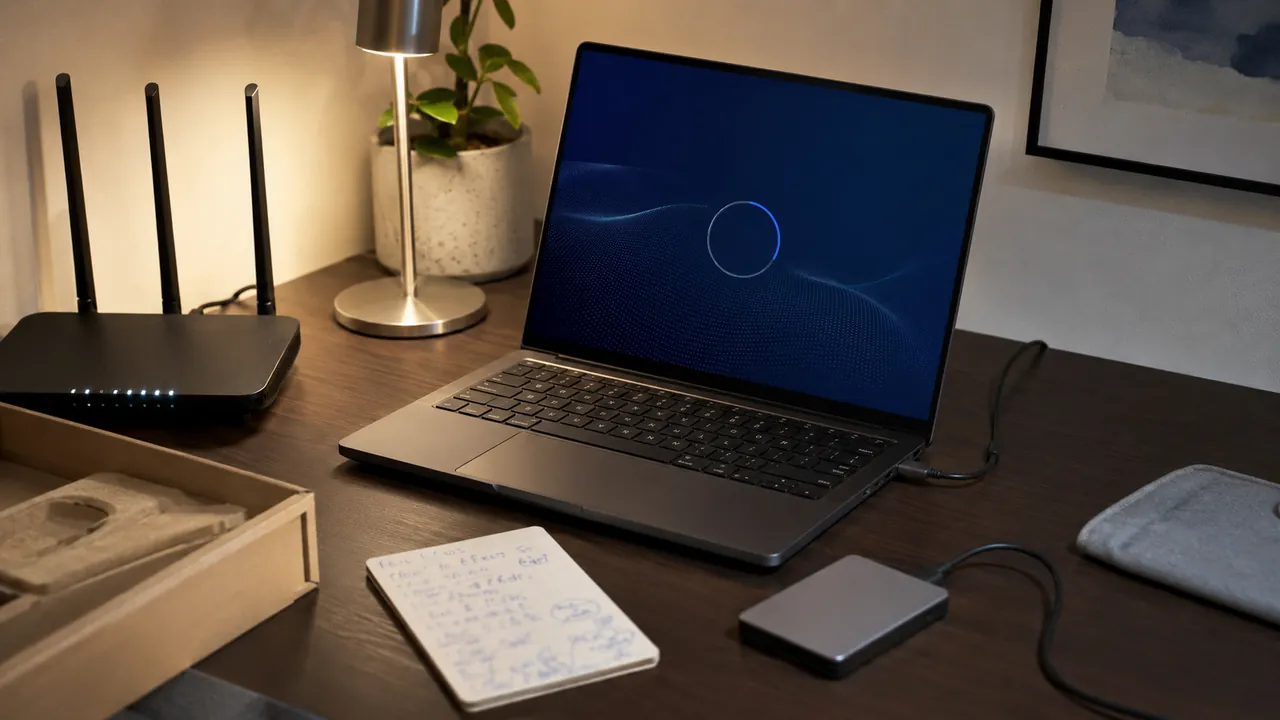
A calm first-hour checklist that gets updates, recovery, privacy, and backups right before daily use begins.

A small backup system works only if it runs automatically and can be restored without guesswork.

Use a device-first diagnostic order instead of rebooting the entire house at random.

Pick one transfer path, verify the destination, then remove the old copy only after a checksum or spot check.

A one-page map of modem, router, mesh nodes, and important devices turns outages into answerable questions.
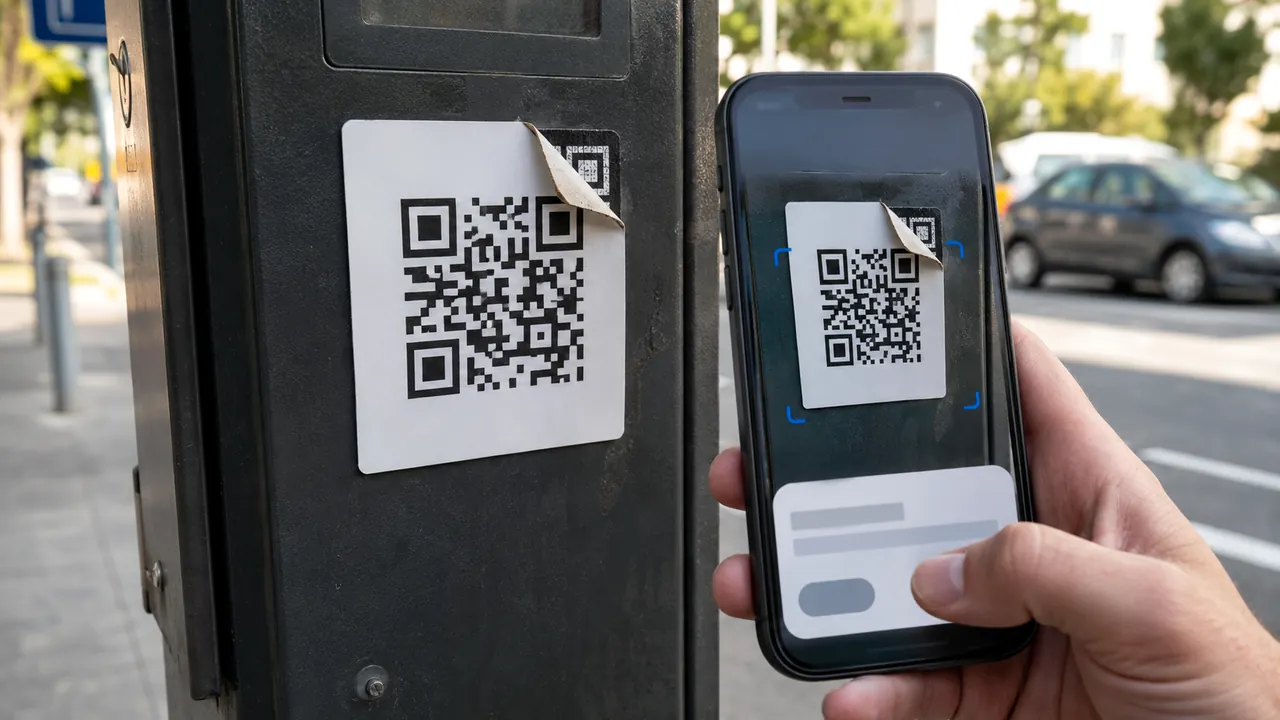
Treat a QR code as a concealed link: preview it, inspect its context, and use a known route for payments or logins.

A durable file name carries date, subject, and version without depending on one app’s search index.

Swap one known-good link at a time and separate power, data, display, and charging-speed failures.

Back up, sign out, remove locks, erase correctly, and verify the device no longer appears in your account.

Start with the print queue and connection path; reinstalling drivers is a late step, not the opening move.

Text size, contrast, captions, voice control, and reduced motion can make everyday devices easier before they become essential.

A two-minute local test catches the permissions, device-selection, lighting, and Bluetooth problems meetings expose too late.

Start with a unique master password, recovery material, and a small migration—not a rushed import of every account.
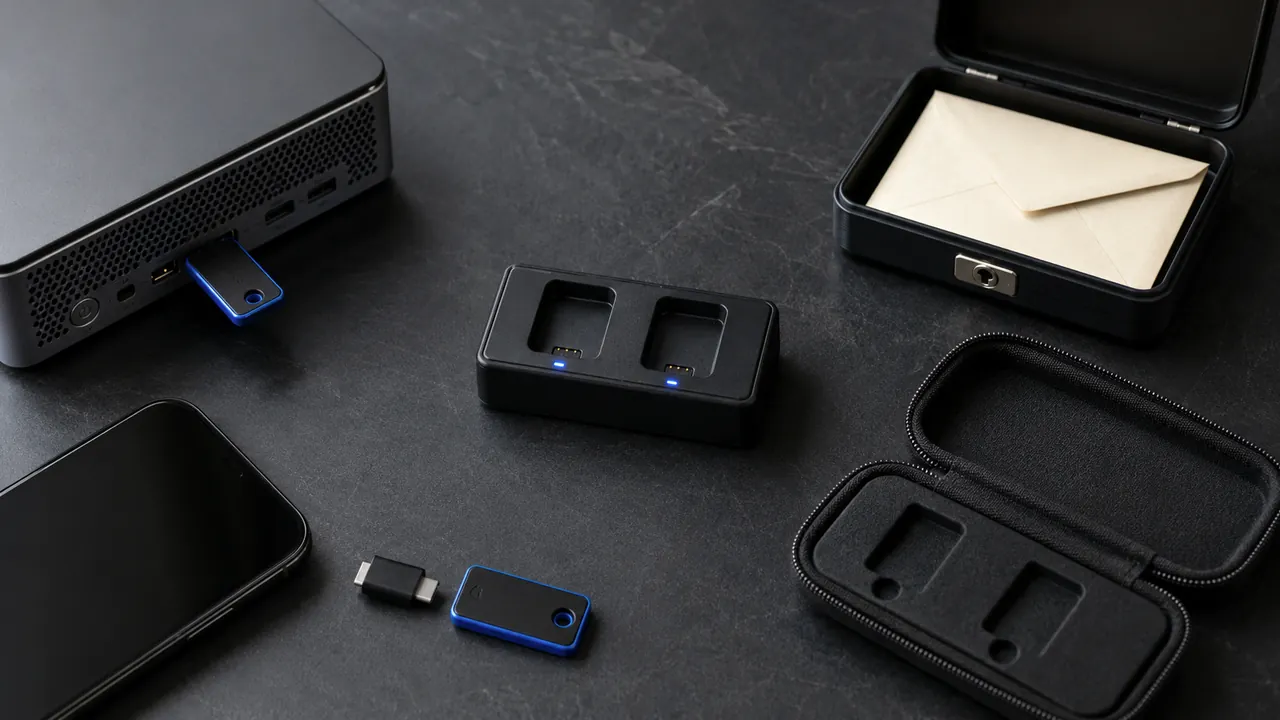
Security keys can resist common phishing, but everyday readiness requires two keys, supported accounts, and a recovery route.

Security keys and passkey-style authentication are strongest; authenticator apps are a practical fallback; SMS is better than password-only.

Recovery codes belong outside the account and outside the device they are meant to rescue.

A recovery mailbox should be independent, monitored, strongly protected, and used for recovery—not newsletters and random signups.
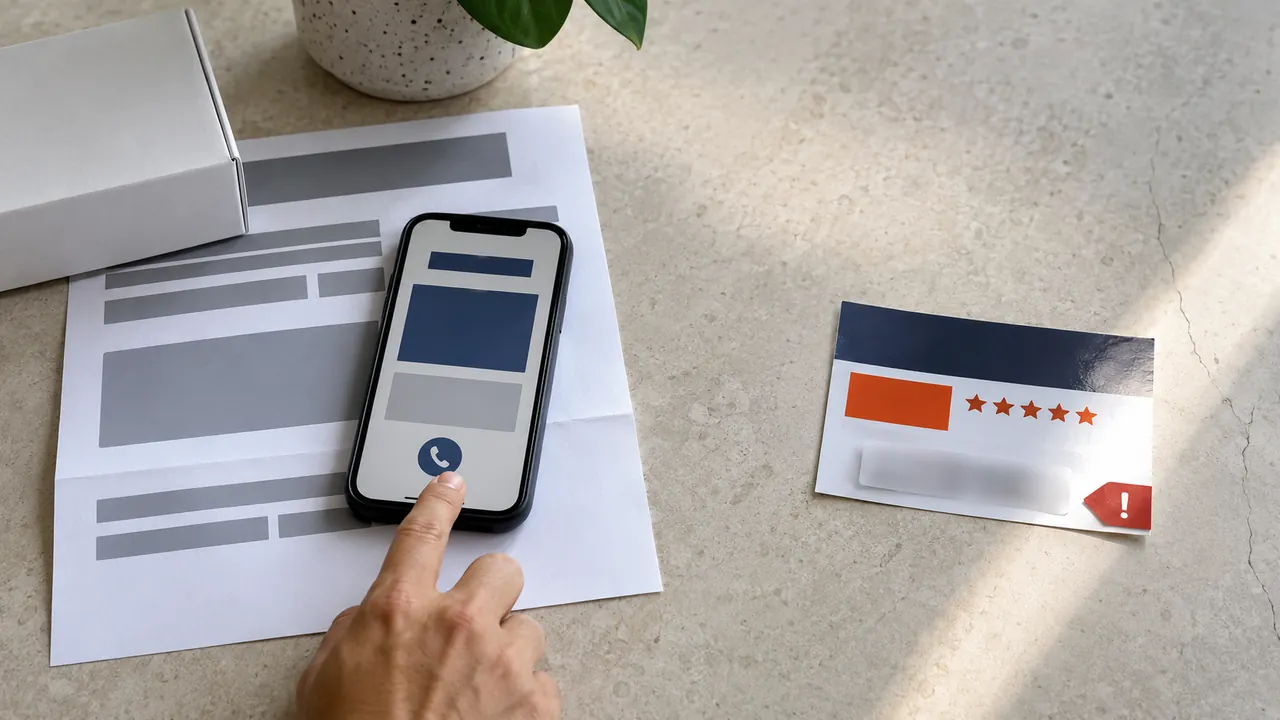
Ignore the number in a warning, ad, or unsolicited message; open the app or type the official site yourself.

Open the account independently, inspect device and location details, then secure the account if the event is not yours.

Recover the mailbox, remove persistence, protect downstream accounts, and preserve a timeline before the attacker can reset more services.

Unexpected loss of calls and texts plus account alerts deserves a carrier check and immediate protection of email and financial accounts.