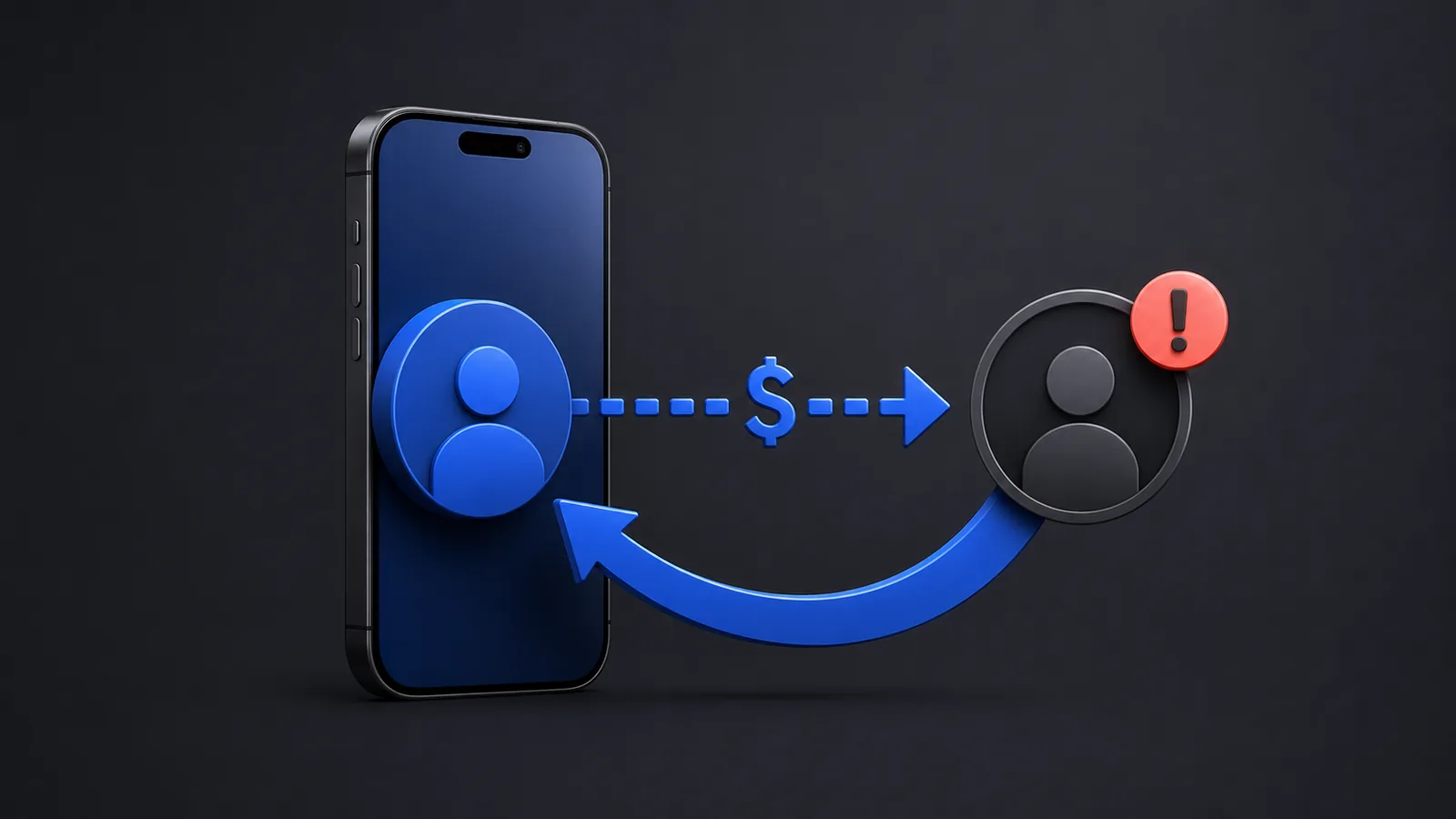
If someone says they will refund you only after you send more money, stop. A real refund should be issued from the original payment.
What to do right now
- Open Cash App and select Activity.Find the exact payment. Confirm the amount, recipient, date, and payment status.
- Open the payment details.Look for a Cancel option. Cash App says person-to-person payments are instant and usually cannot be canceled, so the option may not appear.
- Cancel it if Cash App allows it.Use the in-app Cancel action immediately. Then recheck Activity to confirm the status changed.
- If it completed, request a refund from the recipient.Contact the recipient through a method you already trust. Do not rely only on a new message from an unknown account.
- Report the payment.Open the payment, select Report an Issue, and follow the prompts. Save screenshots of the payment details and any conversation.
- Use official Cash App support if needed.Start through Cash App Support or call the phone number published on Cash App’s official help pages. Never pay a “support agent” to recover money.
If the payment is pending
A pending payment is the best chance to stop it. Open the payment details and use Cancel if the option is available. Do not assume closing the app, locking your card, or removing your bank account cancels the payment. Confirm the payment status inside Activity.
If the payment completed
Cash App’s official wrong-account guidance says to ask the recipient for a refund. The recipient can open Activity, select the payment, choose Refund, and confirm. A refund should be issued against the original transaction. You should not create another payment to “reverse” the first one.
What to send the recipient
I sent this payment to you by mistake. Please open the original payment in Cash App, select Refund, and confirm the refund. Please do not send a separate payment.
Keep the message short. Do not share your PIN, sign-in code, full card number, or other account credentials.
If the payment may involve a scam
Stop communicating with anyone asking for an additional payment, fee, verification deposit, or “release” charge. Cash App’s scam guidance says Cash App will never request funds from a customer. Report the transaction in the app and preserve the recipient’s $Cashtag, profile details, messages, and payment receipt.
If your account may have been accessed by someone else, secure the email address and phone number connected to the account, review recent activity, and contact official support. If the payment used a linked bank account or card, contact that financial institution and describe exactly what happened. Do not claim a transaction was unauthorized if you personally approved it; explain that it was sent to the wrong person or induced by a scam.
How to contact real Cash App support
- Use Cash App’s official Help Center.
- Cash App’s help pages publish (800) 969-1940 as its support number.
- Do not call numbers from social media replies, unsolicited texts, sponsored comments, or unofficial websites.
- Cash App support should not ask you to send money, reveal your PIN, or provide a one-time sign-in code.
What recovery is not guaranteed
Reporting the payment does not guarantee that Cash App can reverse a completed transfer. The recipient may refuse to refund it, and the facts may not qualify for reimbursement. Act quickly, provide accurate details, and keep every record. For a large loss, consider making a police report and reporting the scam to the appropriate consumer-protection agency.
Official sources
- Cash App: I sent money to the wrong accountWrong-recipient instructions and Report an Issue path.
- Cash App: Cancel a paymentCancellation limits and recipient refund steps.
- Cash App: Refund a paymentHow recipients refund the original transaction.
- Cash App: Avoiding common scamsOfficial scam warnings and safe refund behavior.
This guide summarizes official Cash App documentation. Product screens and policies can change. Use the linked Cash App pages to confirm the current options shown in your account.