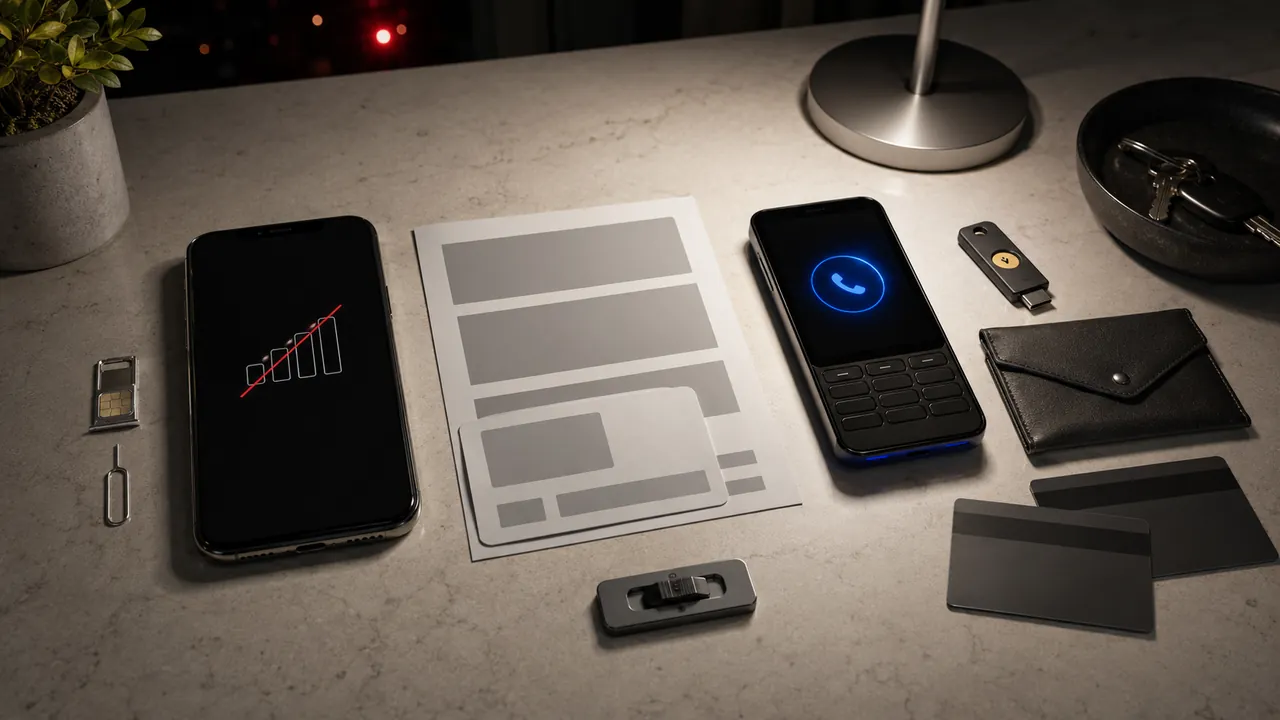
A phone that suddenly shows no service may be in an outage—but if account alerts arrive at the same time, assume the number could have moved until the carrier confirms otherwise.
Unexpected loss of calls and texts plus account alerts deserves a carrier check and immediate protection of email and financial accounts. Use trusted Wi-Fi to protect email and financial accounts, then reach the carrier through a known number or authenticated app. Do not rely on SMS while control is uncertain.
Write down the approximate time service disappeared and collect the carrier account number from a statement. Use another phone or trusted Wi-Fi device for support.
No service plus alerts changes the stakes
Connect through trusted Wi-Fi and check carrier status. Check whether nearby phones on the same carrier also lost service. A local outage is possible; simultaneous account alerts make unauthorized number movement more likely.
Ask the carrier what changed
Call the carrier using a known official number
Call the carrier through its official app, website, or a known number. Ask whether a SIM change or port request occurred and when.
Ask whether a SIM or number-port change occurred
While using trusted Wi-Fi, secure email and financial accounts with non-SMS factors. Do not wait for text service to return before protecting them.
Secure email, banking, and payment accounts without relying on SMS
Ask the carrier to reverse unauthorized changes and add a port lock or account PIN. Replace any PIN the attacker may have learned.
Add a carrier account PIN or port lock after control is restored
Review transactions and password resets from the outage window. Notify affected banks or payment services that the phone number was temporarily controlled by someone else.
Losing SMS also interrupts calls and carrier voicemail, but Wi-Fi apps may keep working. That mixed behavior is why a user can initially blame the handset instead of the carrier account.
Move critical accounts away from SMS
- An outage can resemble a SIM swap.
- Do not give a caller a one-time code to “reverse” the event.
- Changing the phone PIN does not secure the carrier account.
Treat confirmed unauthorized SIM or port activity as an account-security incident and notify banks or payment services that rely on the number.
Lock the number after recovery
Check current menu names, limits, and recovery language against “Protecting Consumers from SIM Swap and Port-Out Fraud” and “SIM Swap Scams: How to Protect Yourself” before acting; platform behavior can change after publication, and each source should be used only for the claim it actually supports.
The FCC adopted rules requiring wireless providers to use secure authentication before SIM changes and number ports.
The FTC explains that SIM-swap scammers can take control of a phone number and receive texted verification codes.
Sources & methodology2 sources - evidence for this revision
The records below show what each source supports in this published revision.
- Protecting Consumers from SIM Swap and Port-Out FraudFederal Communications Commissionreference - Retrieved Jul 12, 2026
What it supportsThe FCC adopted rules requiring wireless providers to use secure authentication before SIM changes and number ports.
- SIM Swap Scams: How to Protect YourselfFederal Trade Commissionreference - Retrieved Jul 12, 2026
What it supportsThe FTC explains that SIM-swap scammers can take control of a phone number and receive texted verification codes.