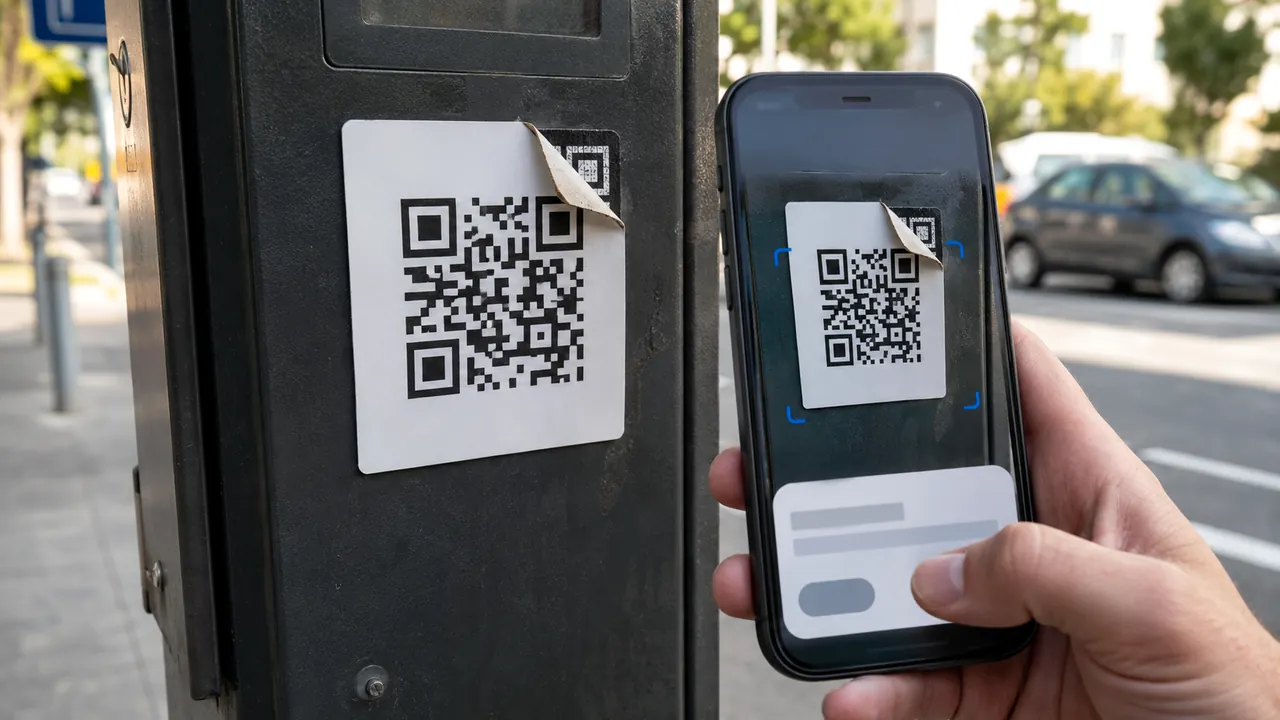
A sign-in alert can be a useful early warning, but the location is often approximate and the message itself can be spoofed. Verify the event from inside the account instead of replying to the alert.
Open the account independently, inspect device and location details, then secure the account if the event is not yours. Compare the device, browser, time, and activity. A familiar city with an unfamiliar browser deserves investigation; a mobile carrier can also place a legitimate login far away.
Note which account received the alert and whether you recently used a new browser, VPN, or mobile network. Do not change settings from inside the notification.
Verify the alert inside the account
Do not click the alert link until you verify the sender and account. Open the service directly and find recent security activity. This verifies whether the alert describes a real event without trusting the alert’s link.
Location is a clue, not a verdict
Open the service directly and inspect recent security activity
Compare time, browser, device, and action. Location alone is weak evidence because VPNs and mobile carriers can place a legitimate login elsewhere.
Compare device, browser, time, and approximate location
End only the unfamiliar sessions, then change the password if the event was not yours. A broad sign-out may interrupt recovery work on trusted devices.
End unfamiliar sessions and change the password if needed
Review forwarding rules, app passwords, recovery contacts, and connected apps. Attackers often add persistence that survives a password change.
Review recovery details, forwarding rules, and connected apps
Save the alert details and subsequent changes. Repeated alerts with different devices can reveal an ongoing credential or session theft.
A login from your usual phone can appear in another city because of carrier routing. A new browser, password change, and recovery update at the same time is much stronger evidence than location alone.
Remove persistence after a real intrusion
- Location can be approximate because of mobile networks or VPNs.
- Changing a password alone may not end every session.
- Do not dismiss repeated alerts as glitches without checking.
Change credentials and end sessions immediately when the activity is not yours, recovery details changed, or mailbox forwarding rules appeared without permission.
Repeated alerts deserve a timeline
Check current menu names, limits, and recovery language against “Respond to security alerts” and “If you think your Apple Account has been compromised” before acting; platform behavior can change after publication, and each source should be used only for the claim it actually supports.
Google tells users to review security-alert details and mark unfamiliar activity so the account can be secured.
Apple lists unrecognized sign-ins and unexpected verification codes among signs that an Apple Account may be compromised.
Sources & methodology2 sources - evidence for this revision
The records below show what each source supports in this published revision.
- Respond to security alertsGoogle Account Helpreference - Retrieved Jul 12, 2026
What it supportsGoogle tells users to review security-alert details and mark unfamiliar activity so the account can be secured.
- If you think your Apple Account has been compromisedApple Supportreference - Retrieved Jul 12, 2026
What it supportsApple lists unrecognized sign-ins and unexpected verification codes among signs that an Apple Account may be compromised.