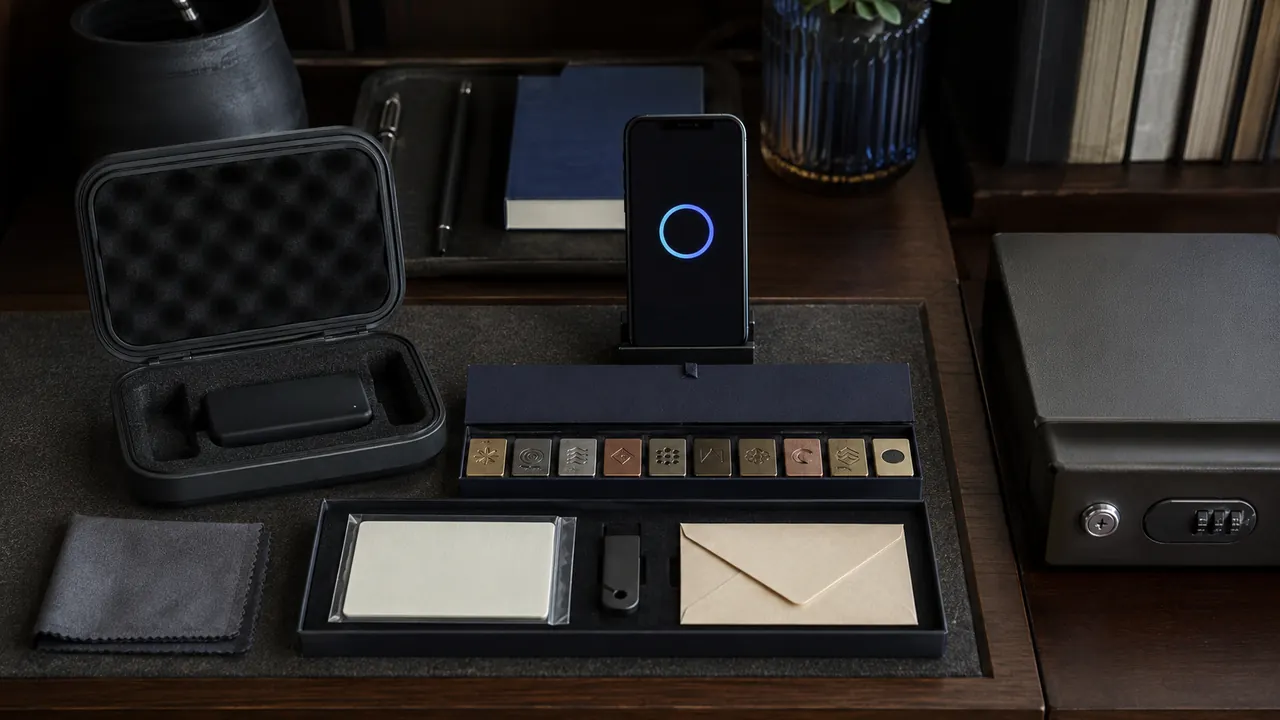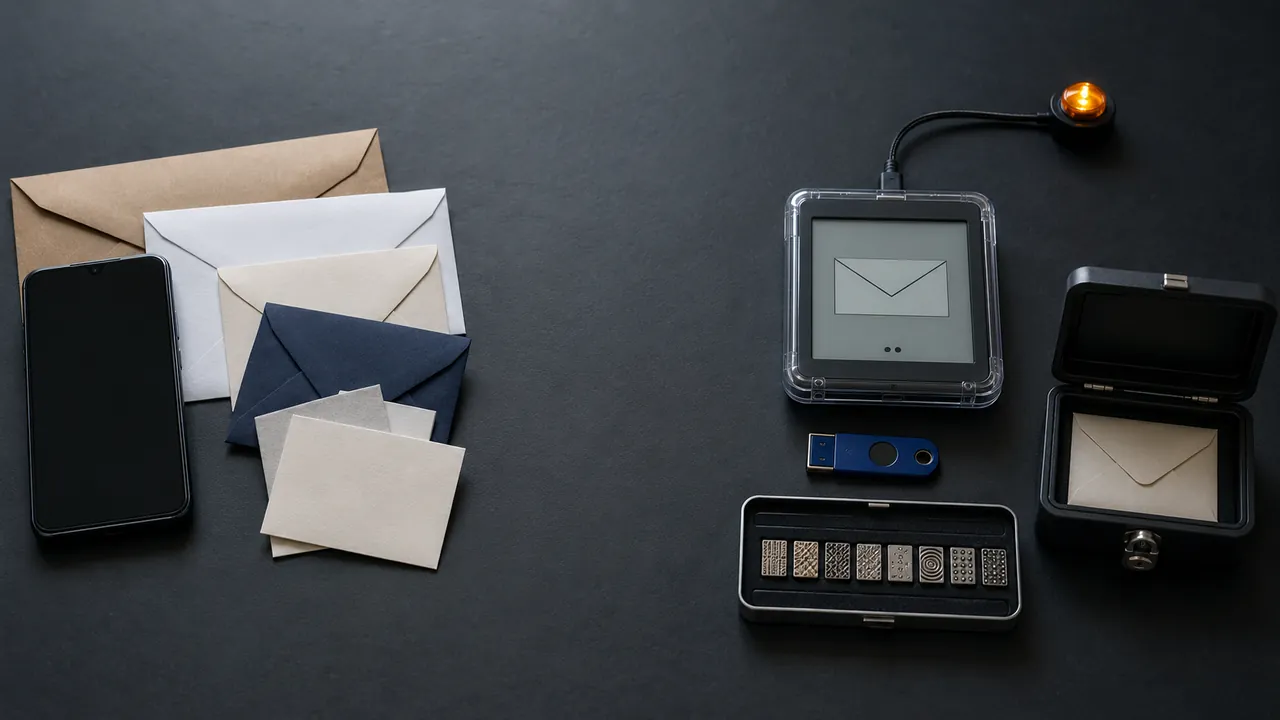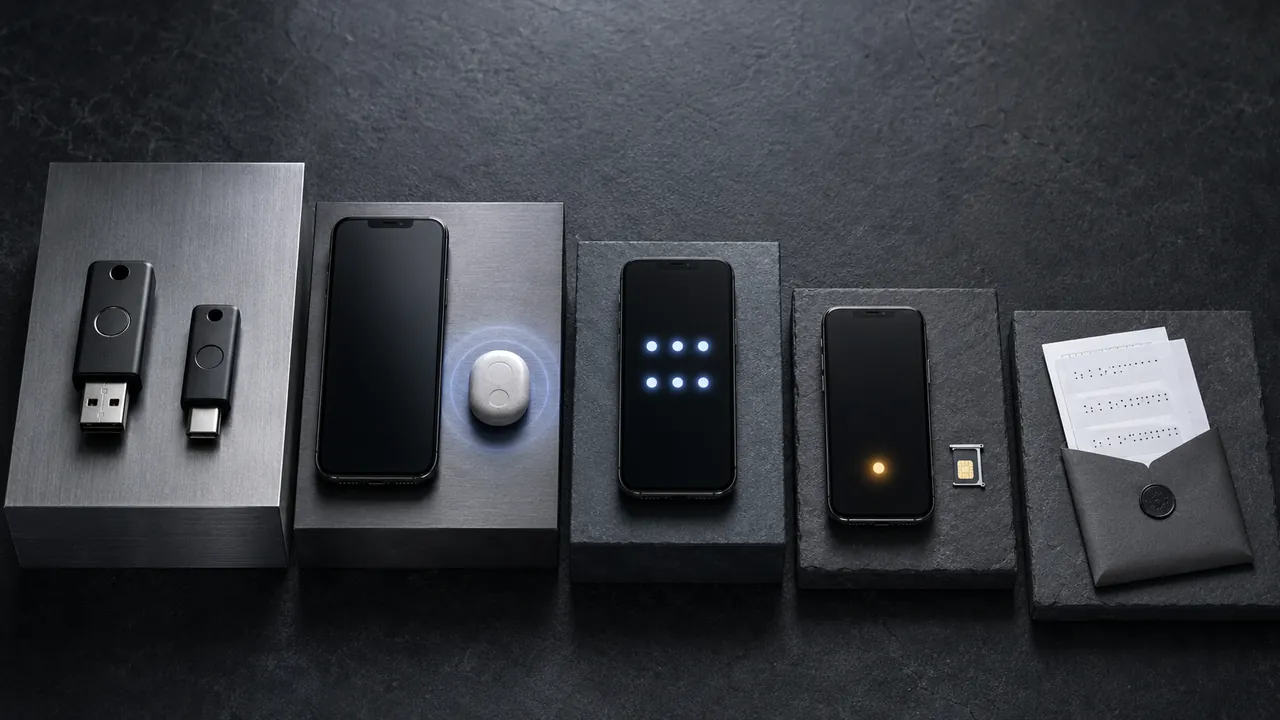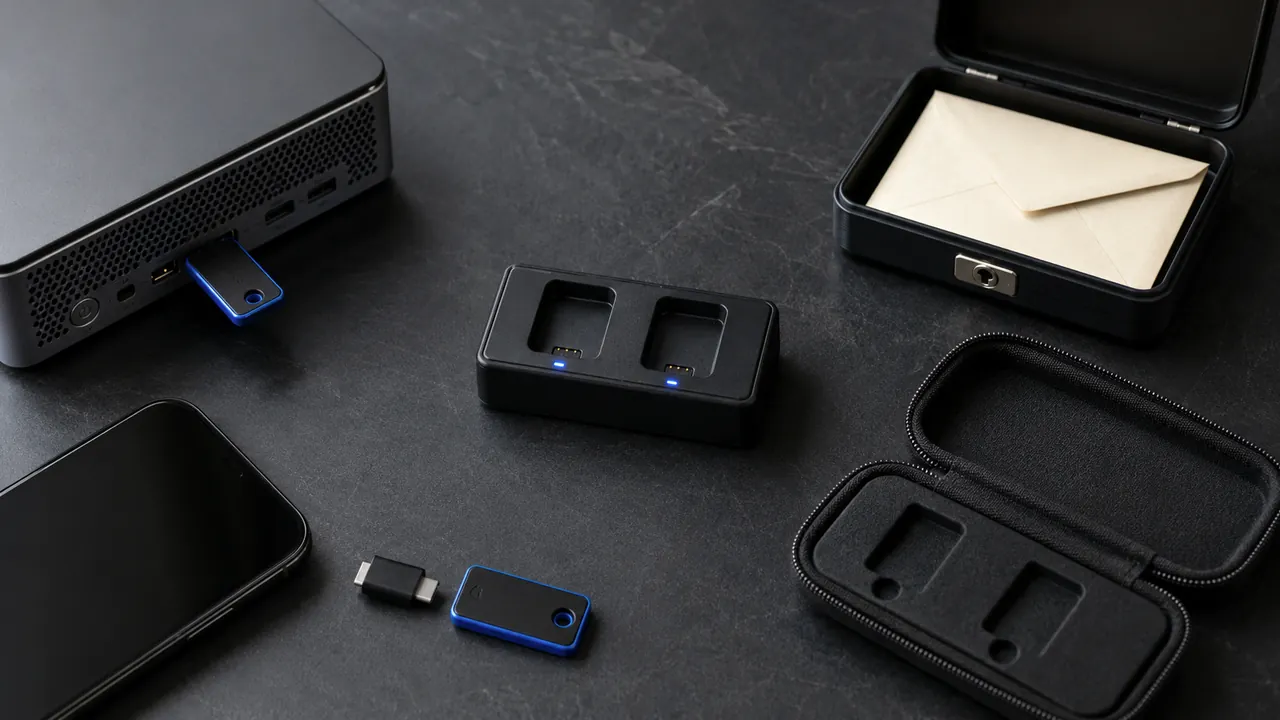
A hardware security key can stop a fake login page from stealing a usable second factor, but it introduces a physical object you can lose. Readiness means planning both the stronger login and the spare.
Security keys can resist common phishing, but everyday readiness requires two keys, supported accounts, and a recovery route. List supported high-value accounts, check connector and NFC compatibility, and register two keys before depending on either one.
Check account support pages and organizational policies before buying hardware. Some workplaces restrict key models, while phones may require NFC or a different physical connector.
List the accounts that can use one
List the critical accounts that support security keys. Check whether email, password manager, financial, and developer accounts accept FIDO security keys. Prioritize accounts that can reset many others.
Two keys prevent one-key lockout
Buy compatible keys from a trusted seller
Buy two compatible keys and register both. A spare stored elsewhere prevents one lost key from becoming an account lockout.
Register a primary key and a separately stored backup
Match USB connector, NFC support, and device policy to the equipment actually used. A USB-A key alone may be awkward on a phone-only recovery day.
Name keys clearly in each account dashboard
Give each registered key a clear name in the account dashboard, then perform a real sign-in with each one.
Test sign-in and recovery before removing older methods
Keep recovery codes or another approved fallback until both keys work everywhere required. Stronger authentication should not create a single physical point of failure.
Travel changes the physical plan. A key kept on the same keychain as the laptop is convenient but vulnerable to the same lost bag. Store the spare somewhere that will not share that loss.
Compatibility lives in the details
- One lost key should not lock you out.
- A security key does not protect an already-unlocked session.
- Keep an emergency recovery method that is not in the same bag.
Do not remove existing recovery methods until both keys have completed real sign-ins and an independent recovery route is documented.
Do not retire the fallback yet
Check current menu names, limits, and recovery language against “Use a security key for 2-Step Verification” and “More than a Password” before acting; platform behavior can change after publication, and each source should be used only for the claim it actually supports.
Google supports security keys as a 2-Step Verification method and documents USB, NFC, and Bluetooth-related setup considerations.
CISA promotes multi-factor authentication because a password alone is not enough to protect important accounts.
Sources & methodology2 sources - evidence for this revision
The records below show what each source supports in this published revision.
- Use a security key for 2-Step VerificationGoogle Account Helpreference - Retrieved Jul 12, 2026
What it supportsGoogle supports security keys as a 2-Step Verification method and documents USB, NFC, and Bluetooth-related setup considerations.
- More than a PasswordCISAreference - Retrieved Jul 12, 2026
What it supportsCISA promotes multi-factor authentication because a password alone is not enough to protect important accounts.