Security & Truststory2 min
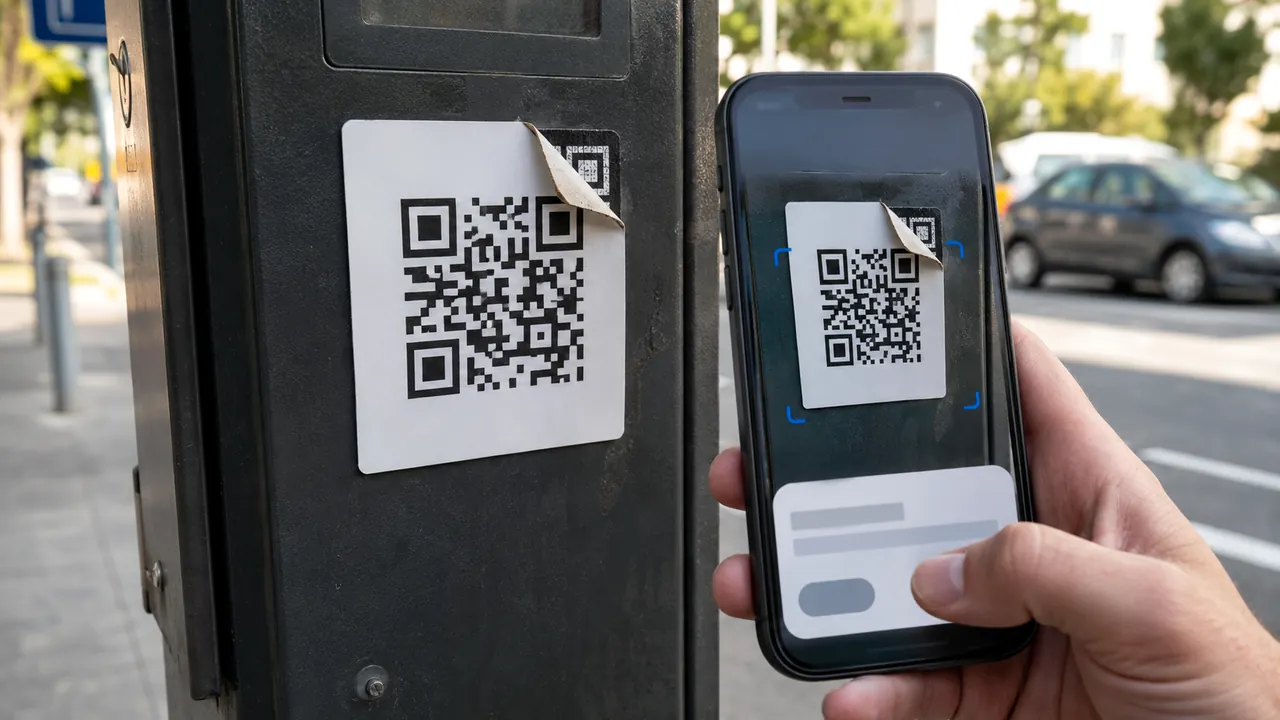
Scan a QR Code Without Handing It Blind Trust
Treat a QR code as a concealed link: preview it, inspect its context, and use a known route for payments or logins.
Clear, verified help for apps, money, security, AI, and everyday tech problems.
Practical account-security explanations for safer sign-in, passkeys, authentication, phishing defenses, recovery, and verification steps.
11 published stories
Treat a QR code as a concealed link: preview it, inspect its context, and use a known route for payments or logins.

Start with a unique master password, recovery material, and a small migration—not a rushed import of every account.
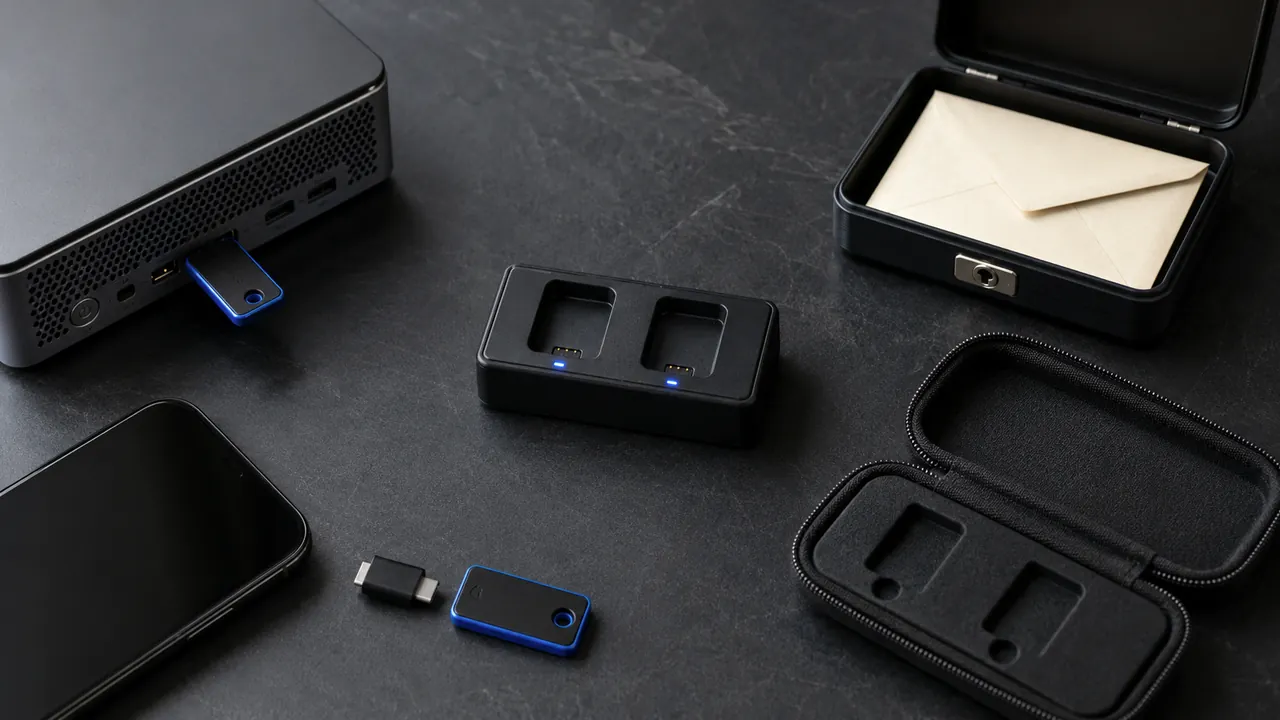
Security keys can resist common phishing, but everyday readiness requires two keys, supported accounts, and a recovery route.

A recovery mailbox should be independent, monitored, strongly protected, and used for recovery—not newsletters and random signups.
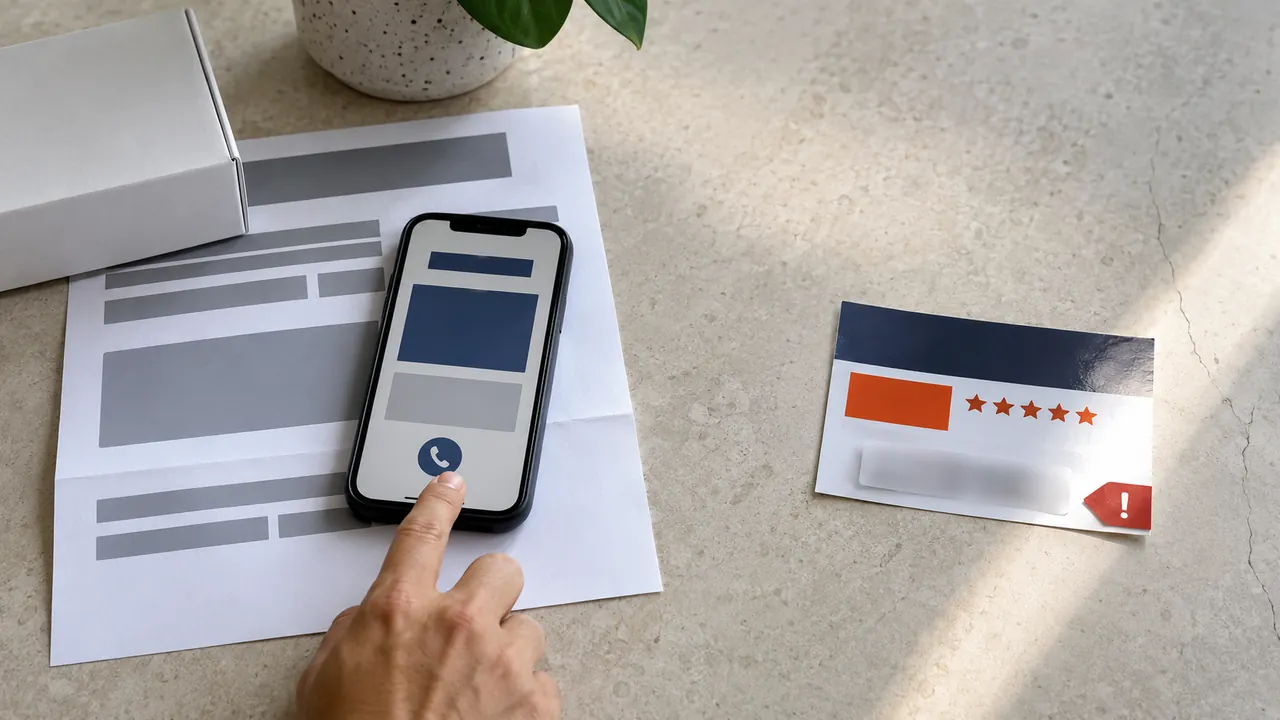
Ignore the number in a warning, ad, or unsolicited message; open the app or type the official site yourself.
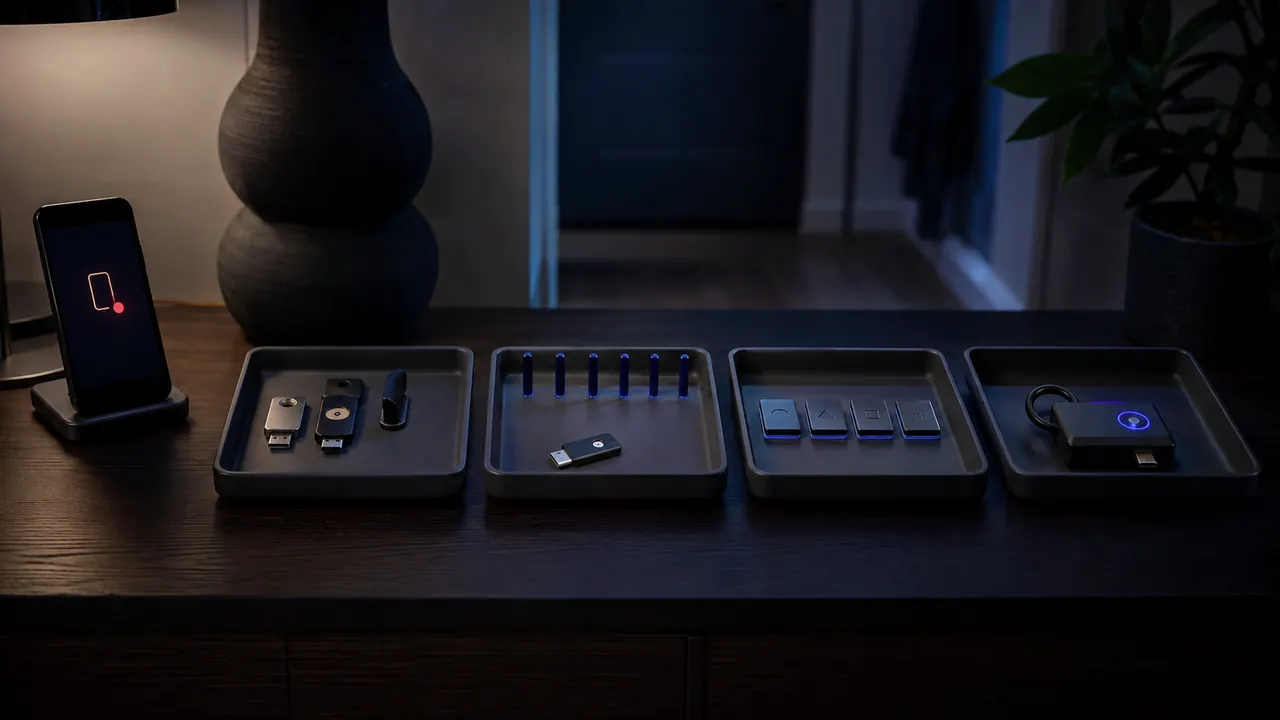
Open the account independently, inspect device and location details, then secure the account if the event is not yours.

Recover the mailbox, remove persistence, protect downstream accounts, and preserve a timeline before the attacker can reset more services.

Remove old OAuth grants and sign-in connections that no longer have a clear job.

Prioritize new sign-ins, recovery changes, money movement, and new-device notices; route them somewhere you will see.
This source-backed quiz practices independent verification instead of guessing from logos, grammar or urgency.

The biometric or PIN unlocks an authenticator; the website receives cryptographic proof rather than your fingerprint.