
Security & Trustlist2 min
Store Recovery Codes So They Still Exist During an Emergency
Recovery codes belong outside the account and outside the device they are meant to rescue.
Clear, verified help for apps, money, security, AI, and everyday tech problems.
Search by idea, then narrow by desk, format, or date order.
12 results for "recovery"
Recovery codes belong outside the account and outside the device they are meant to rescue.

A recovery mailbox should be independent, monitored, strongly protected, and used for recovery—not newsletters and random signups.

Prepare an official recovery path, backup factors and post-recovery checklist for important accounts.
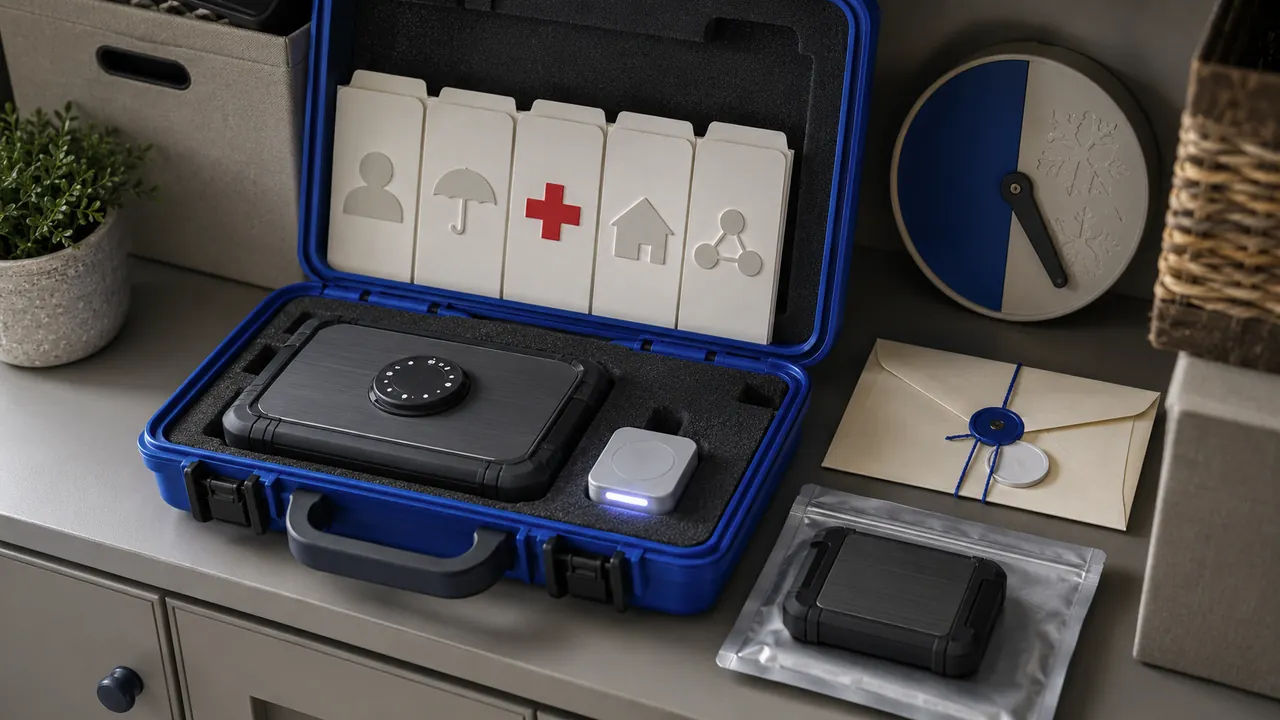
Store essential records, contacts and recovery instructions in an encrypted, backed-up package that a trusted person can use under pressure.

Unexpected loss of calls and texts plus account alerts deserves a carrier check and immediate protection of email and financial accounts.
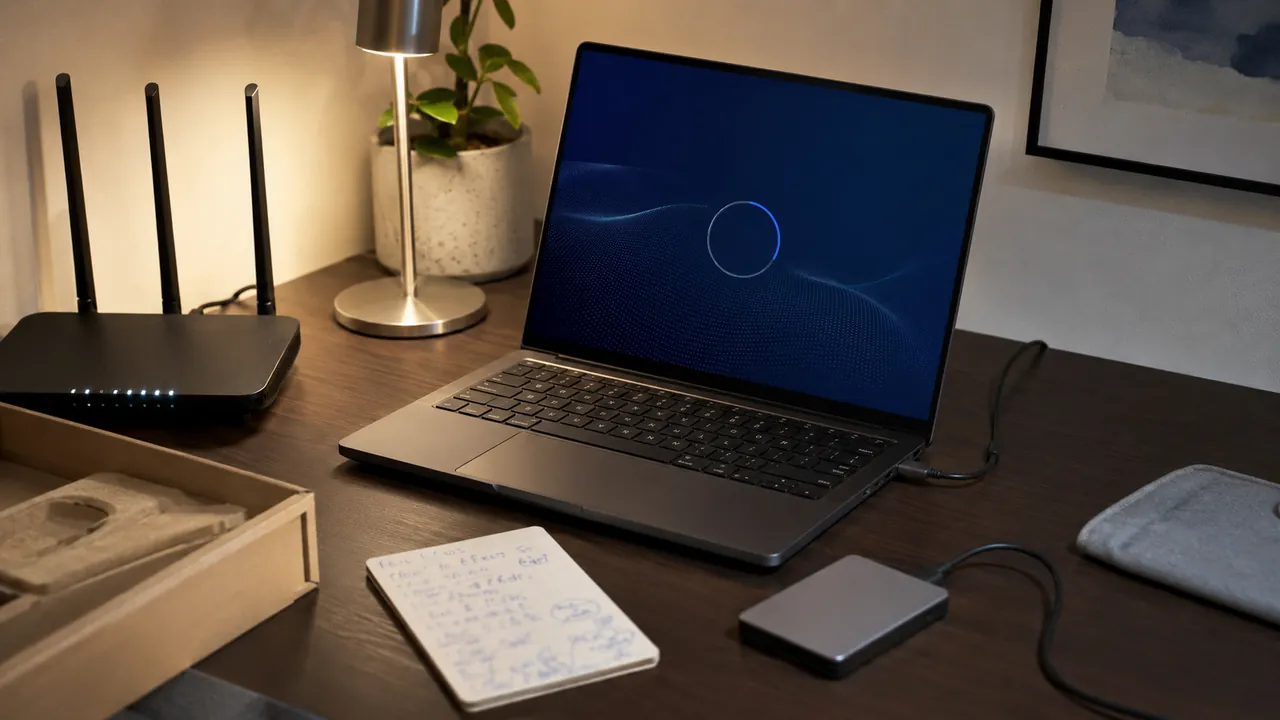
A calm first-hour checklist that gets updates, recovery, privacy, and backups right before daily use begins.
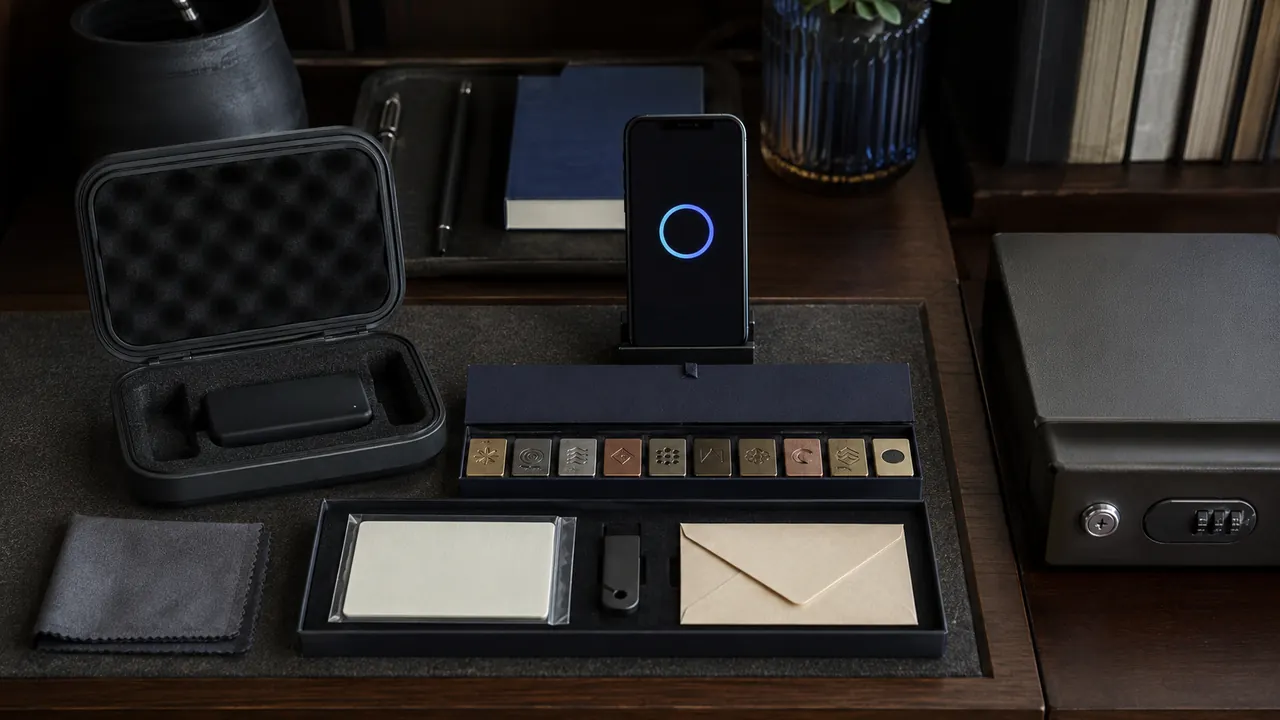
Start with a unique master password, recovery material, and a small migration—not a rushed import of every account.
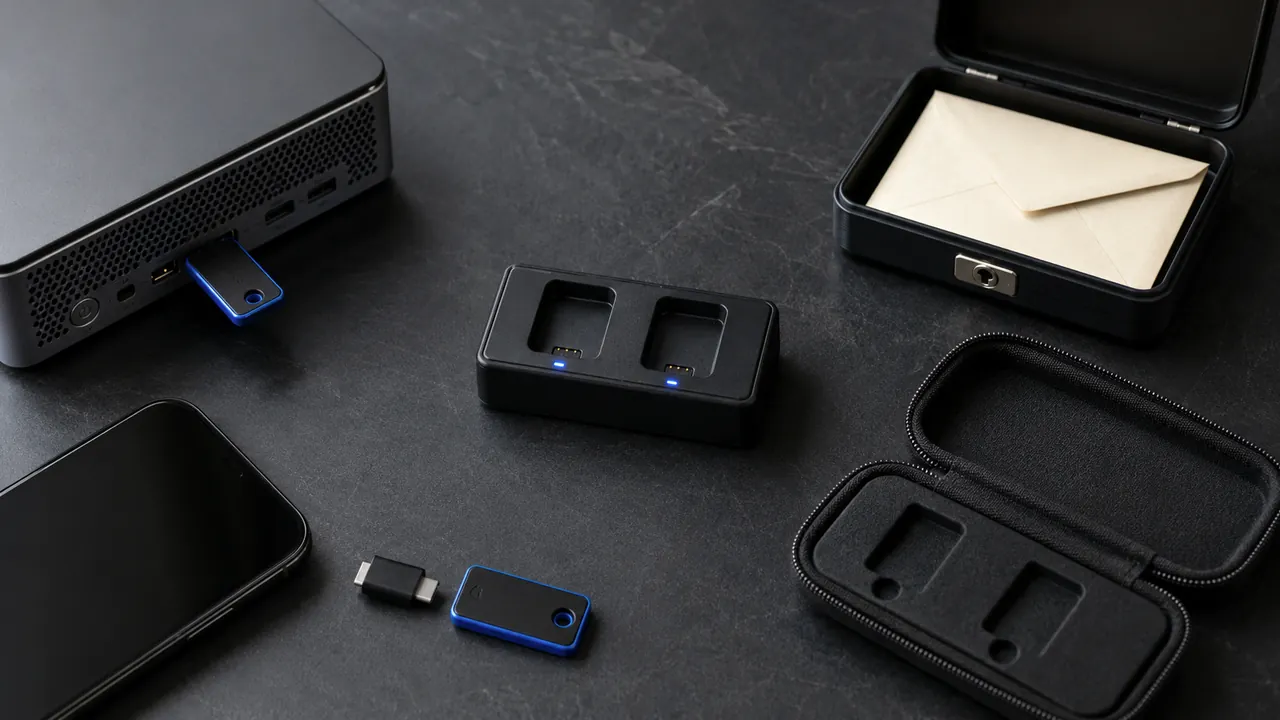
Security keys can resist common phishing, but everyday readiness requires two keys, supported accounts, and a recovery route.

Recover the mailbox, remove persistence, protect downstream accounts, and preserve a timeline before the attacker can reset more services.

Prioritize new sign-ins, recovery changes, money movement, and new-device notices; route them somewhere you will see.
Use family roles, delegates, shared vaults, or separate logins; document ownership and recovery before access changes.

A practical pre-use check for data access, permissions, evidence, recovery, ownership and repeatable testing.