
Software & Servicesstory3 min
Free Software and Open Source Are Not Just Ways to Say No-Cost
Freeware describes price. Free software and open source describe permissions—and those permissions come from an actual license.
Clear, verified help for apps, money, security, AI, and everyday tech problems.
Search by idea, then narrow by desk, format, or date order.
12 results for "software"
Freeware describes price. Free software and open source describe permissions—and those permissions come from an actual license.

Check who may use the software, on how many devices, for which purposes, and what happens to access and data when payment ends.

A safe install starts before you click Download: verify the publisher, the address, the file and the permissions the installer requests.

Update quickly when security is at stake, but use backups, release notes and a small delay window to protect important work.

Match the exact operating system, processor, memory, storage, peripherals and required plug-ins—not just the product name.

Check recurring charges, trial terms, cancellation paths and file access before paying.

Look first for security, breaking changes, deprecations and migrations; the rest tells you whether an update affects your actual workflow.

Preserve the error, isolate the cause and use repair tools first. Reinstallation can erase clues and settings without fixing the underlying problem.

Do not approve a permission because an app asks. Match each request to a feature you are intentionally using, then choose the narrowest access.
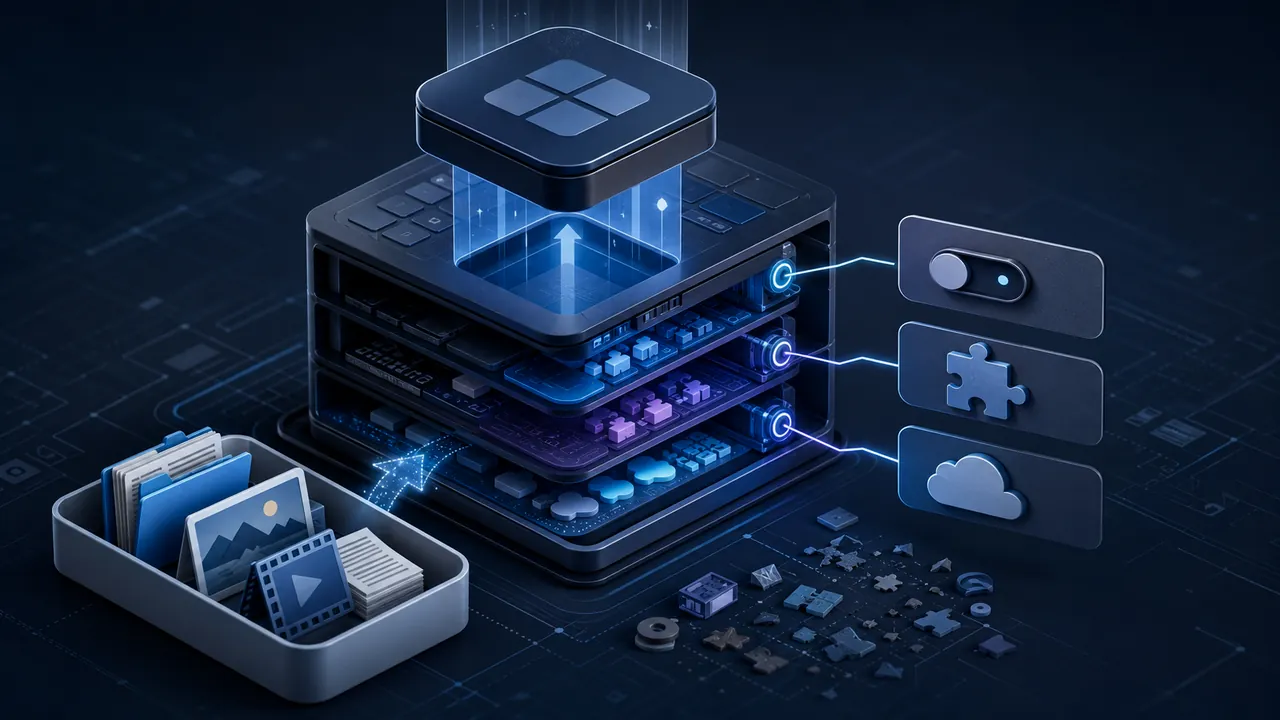
Remove the program normally first, then check startup entries, browser add-ons, cloud data and large leftovers without deleting mystery system files.

Keep the editable original, but also export important work to open, well-documented formats that many programs can read.

Federal rules, lawful exceptions, maintained time-zone data and software updates sit behind an apparently automatic clock change.