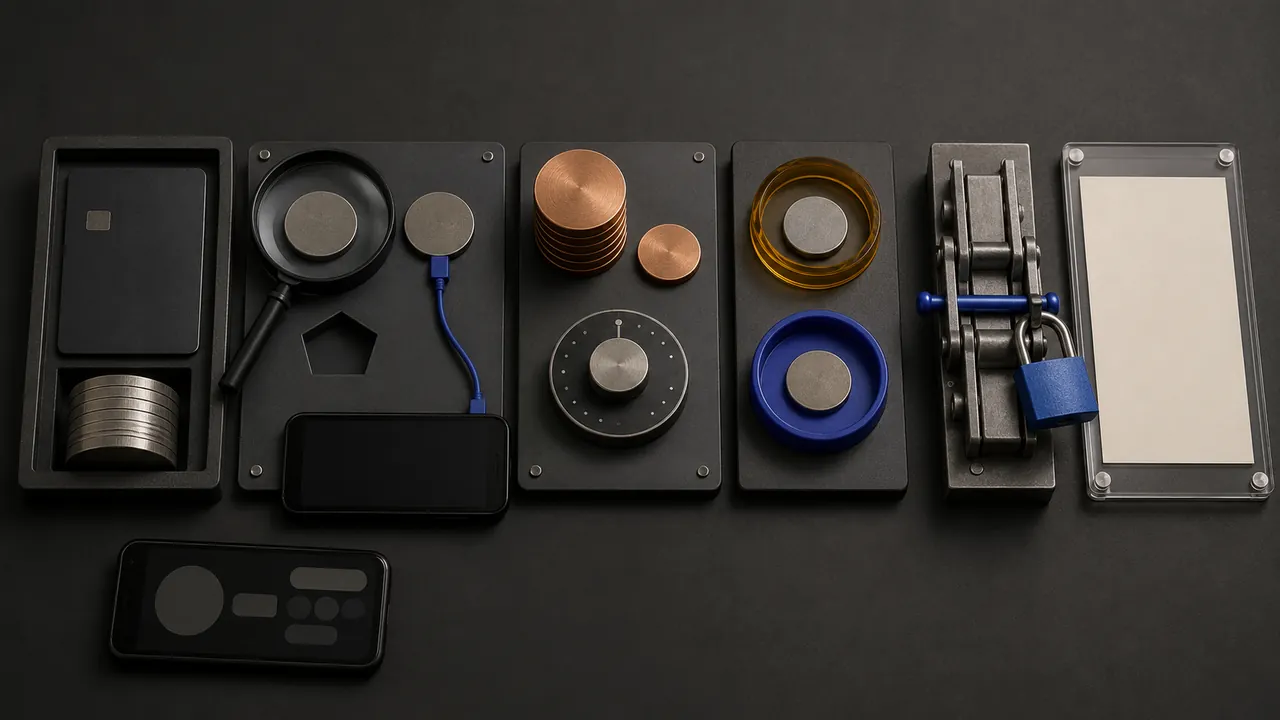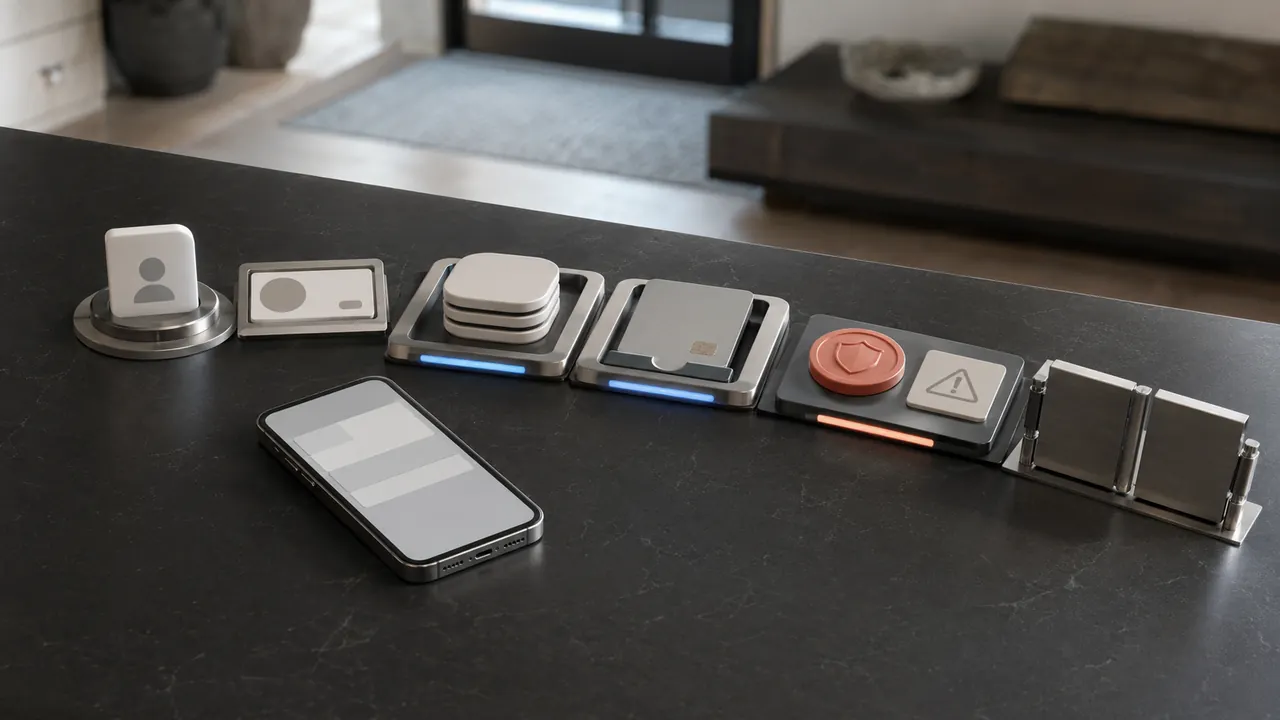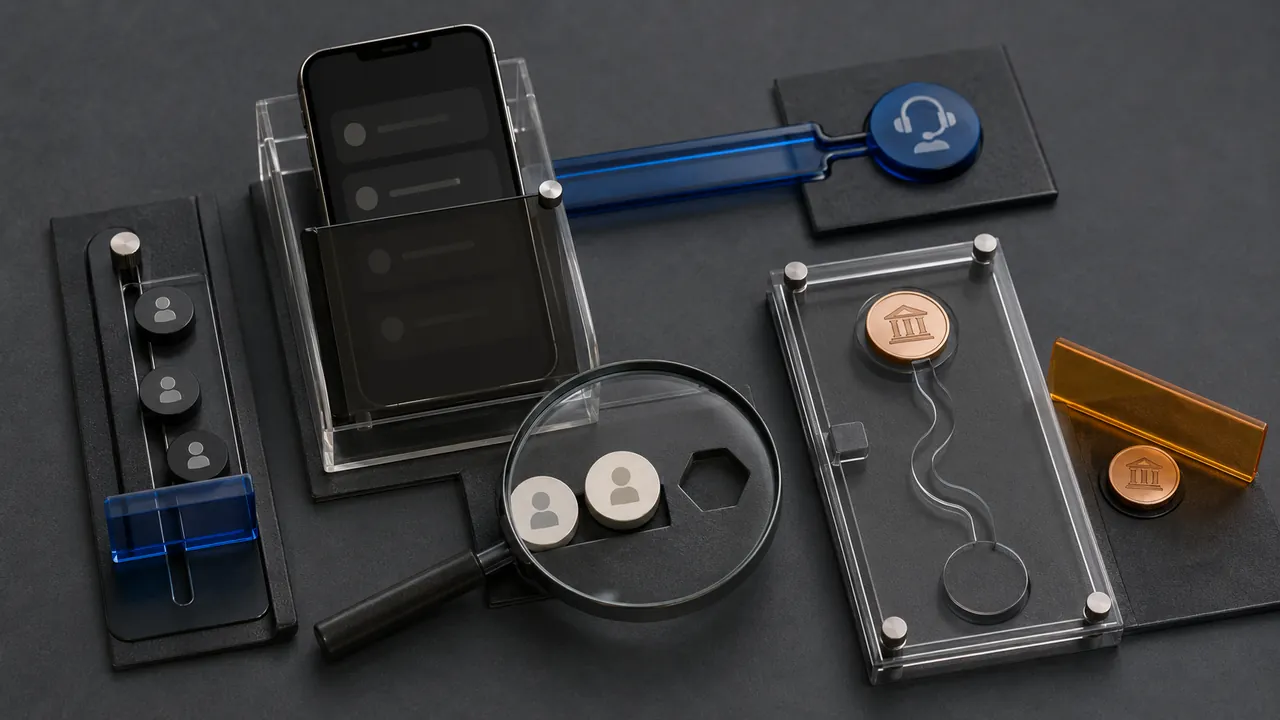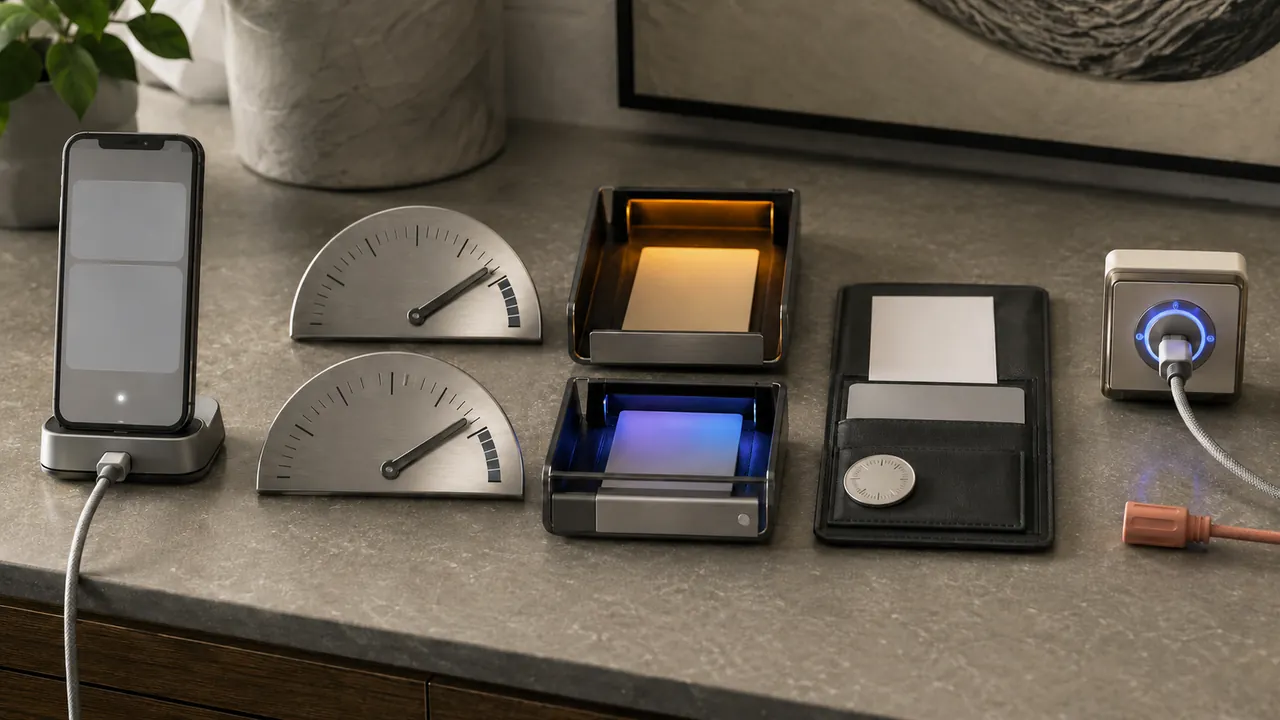
A declined or delayed Chime transaction can result from a limit, hold, card lock, merchant problem, or security review. Repeatedly retrying it can add confusion—and sometimes additional pending authorizations.
Check the in-app limit, transfer status, and official support path before retrying a blocked or delayed transaction. Read the exact status in the app before contacting support. Capture the amount, time, merchant or destination, and whether the money is pending, completed, reversed, or declined.
Capture the displayed status and check the account balance before retrying. Have the merchant name, amount, time, and last card digits ready for authenticated support.
Read the transaction state before retrying
Check the app’s limits and transaction history first. Open transaction history and identify whether the entry is declined, pending, completed, or reversed. Each state calls for a different next step.
Limits, holds, and declines are different
Confirm whether money is pending, completed, or reversed
Check the in-app limit for that transfer or withdrawal type. Daily card spending, ATM cash, and person-to-person transfers can have separate limits.
Use support from inside the app or the official site
Wait for a pending status to resolve before retrying. Multiple attempts can create several authorizations even when only one purchase succeeds.
Lock the card immediately if activity is unfamiliar
Use Chime support from the authenticated app or official site. Search-result numbers and social-media replies are common impersonation routes.
Keep confirmation numbers and screenshots for a dispute
Lock the card for unfamiliar activity and preserve transaction details. Ask which partner bank holds the funds when deposit-insurance status matters.
A pending restaurant or gas-station authorization may differ from the final amount. Check whether the merchant released or adjusted it before treating the temporary hold as a duplicate completed charge.
Reach support from the signed-in app
- Repeated retries can create duplicate holds.
- Do not call a number found in an unverified ad or social post.
- Deposit insurance depends on where and how funds are held, not the app’s look.
Lock the card and use authenticated support for unfamiliar activity; contact the relevant bank promptly when a transfer or card transaction was not authorized.
Insurance depends on where funds sit
Check current menu names, limits, and recovery language against “Chime Security and Privacy” and “Is the Money on My Payment App FDIC-Insured?” before acting; platform behavior can change after publication, and each source should be used only for the claim it actually supports.
Chime describes in-app card controls, transaction alerts, and security support features for members.
FDIC explains that payment-app balances are insured only when specific pass-through deposit-insurance requirements are satisfied.
Sources & methodology2 sources - evidence for this revision
The records below show what each source supports in this published revision.
- Chime Security and PrivacyChimereference - Retrieved Jul 12, 2026
What it supportsChime describes in-app card controls, transaction alerts, and security support features for members.
- Is the Money on My Payment App FDIC-Insured?FDICreference - Retrieved Jul 12, 2026
What it supportsFDIC explains that payment-app balances are insured only when specific pass-through deposit-insurance requirements are satisfied.