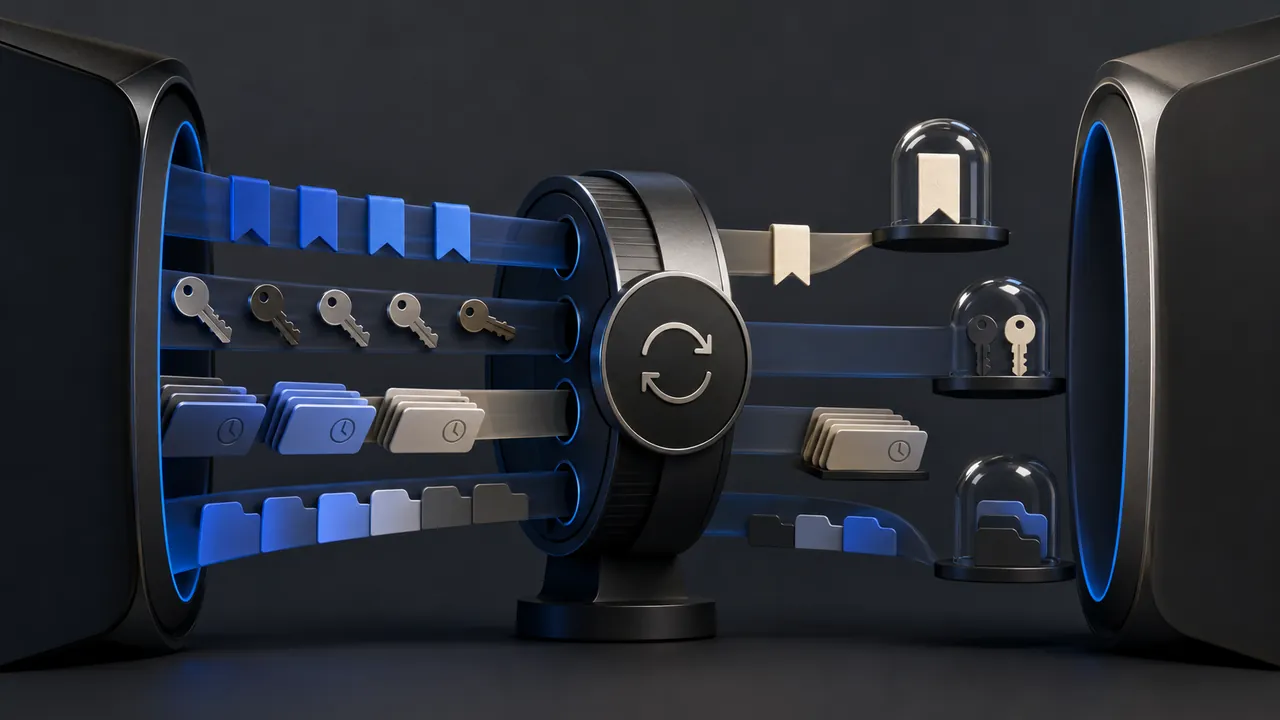
Before enabling browser sync, decide which categories should leave the device and secure the account that coordinates them. Sync is not one piece of data: it can include bookmarks, passwords, history, open tabs, addresses, settings and extensions.
Inventory the categories
Chrome lets users choose Sync everything or customize categories. Firefox Sync similarly supports selected data types. The useful default depends on the device. Bookmarks may be harmless on a personal laptop but open tabs and history may expose sensitive context on a shared machine. Password sync deserves particular care because account recovery and device access become part of the password vault's security.
Do not confuse signing into a browser with signing into a website. Browser sign-in can activate broader personalization or sync depending on product and settings. Read the confirmation screen and inspect the sync dashboard afterward.
Protect the coordinating account
- Use a unique password and phishing-resistant sign-in method when available.
- Review signed-in devices and remove old hardware.
- Keep recovery information current and protected.
- Lock every synced device with a strong screen lock.
- Remove browser data before selling or transferring a device.
Understand encryption choices
Transport encryption protects data moving to the provider. Some products offer an additional passphrase or on-device encryption option for certain synchronized data. Stronger encryption can also make recovery harder: if the separate secret is lost, the provider may be unable to restore the encrypted set. Record the recovery plan before enabling a setting you cannot reverse easily.
Work and school accounts
An organization may manage browser settings, retention or extensions. Keep personal sync out of a managed profile unless policy clearly allows it and you accept the visibility and control implications. A separate personal profile or operating-system user is safer than mixing data and hoping category toggles create a perfect wall.
A clean setup
- Open the sync settings and disable Sync everything.
- Enable only the categories needed on all participating devices.
- Review encryption and recovery options.
- Check the account's device list and recent security activity.
- Remove sync from public, borrowed or weakly protected devices.
- Revisit the list when adding a new device or changing jobs.
Sync's real value is continuity. Its real cost is that a local browsing artifact becomes account-connected and available elsewhere. Neither outcome is inherently bad. Make the movement intentional, protect the account as carefully as the data it carries, and do not sync a category merely because the switch is already on.
Sources & methodology2 sources - evidence for this revision
The records below show what each source supports in this published revision.
- Choose what info is synced in ChromeGoogle Chrome Helpreference - Retrieved Jul 12, 2026
What it supportsChrome permits category-level sync choices rather than requiring all data types.
- How do I choose what information to sync on Firefox?Mozilla Supportreference - Retrieved Jul 12, 2026
What it supportsFirefox Sync can synchronize selected browser data across devices.