Practical Technologylist2 min
Set Up a New Laptop in the Right Order
A calm first-hour checklist that gets updates, recovery, privacy, and backups right before daily use begins.
Clear, verified help for apps, money, security, AI, and everyday tech problems.
Search by idea, then narrow by desk, format, or date order.
7 results for "backups"
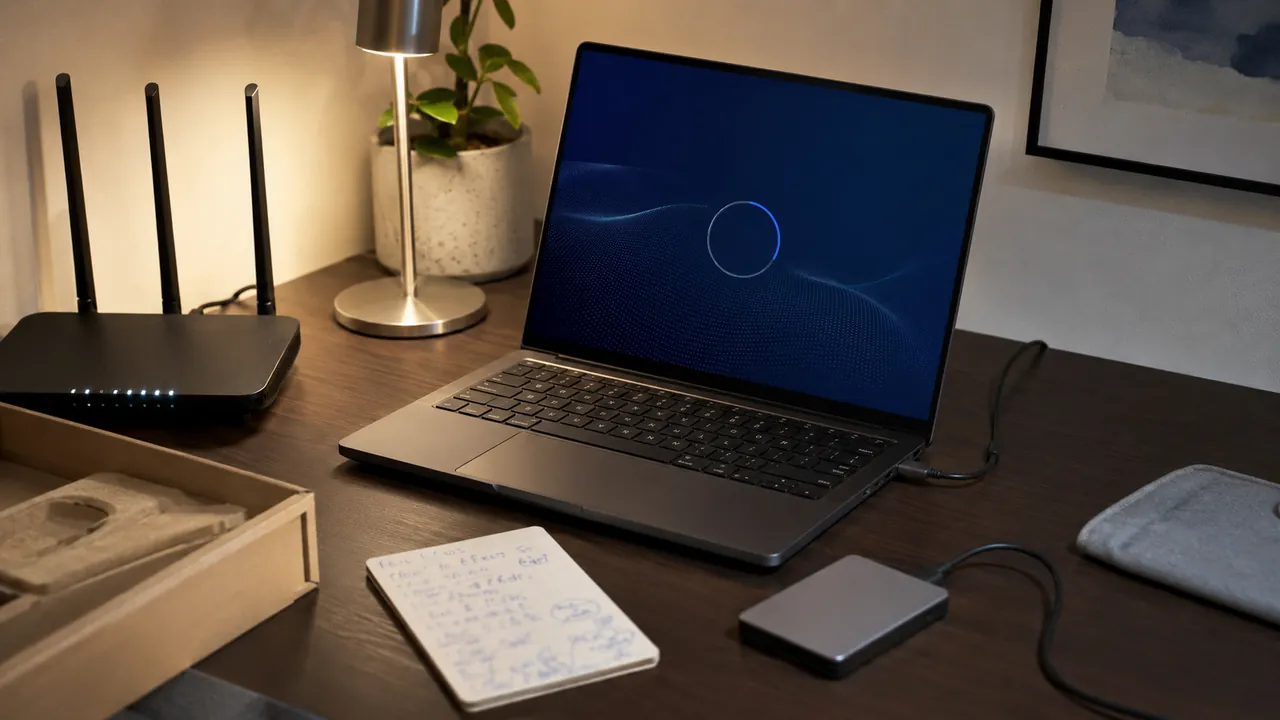
A calm first-hour checklist that gets updates, recovery, privacy, and backups right before daily use begins.
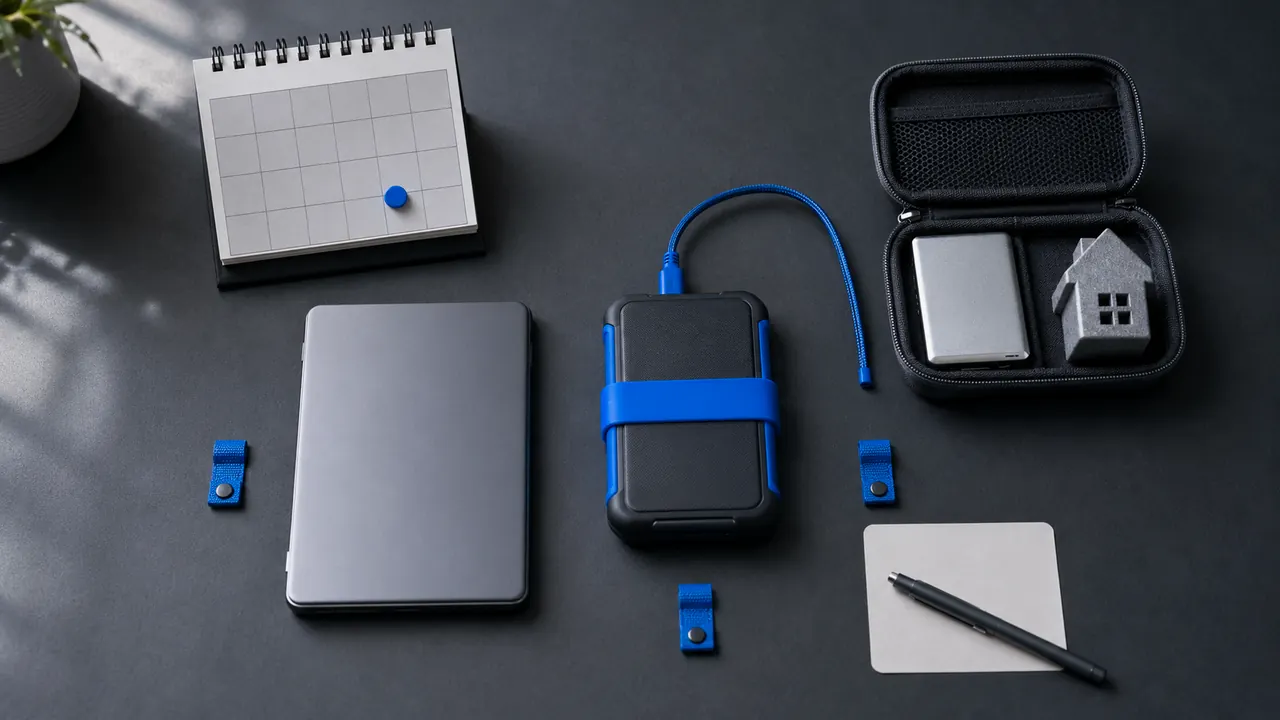
A small backup system works only if it runs automatically and can be restored without guesswork.

Update quickly when security is at stake, but use backups, release notes and a small delay window to protect important work.

Keep the editable original, but also export important work to open, well-documented formats that many programs can read.
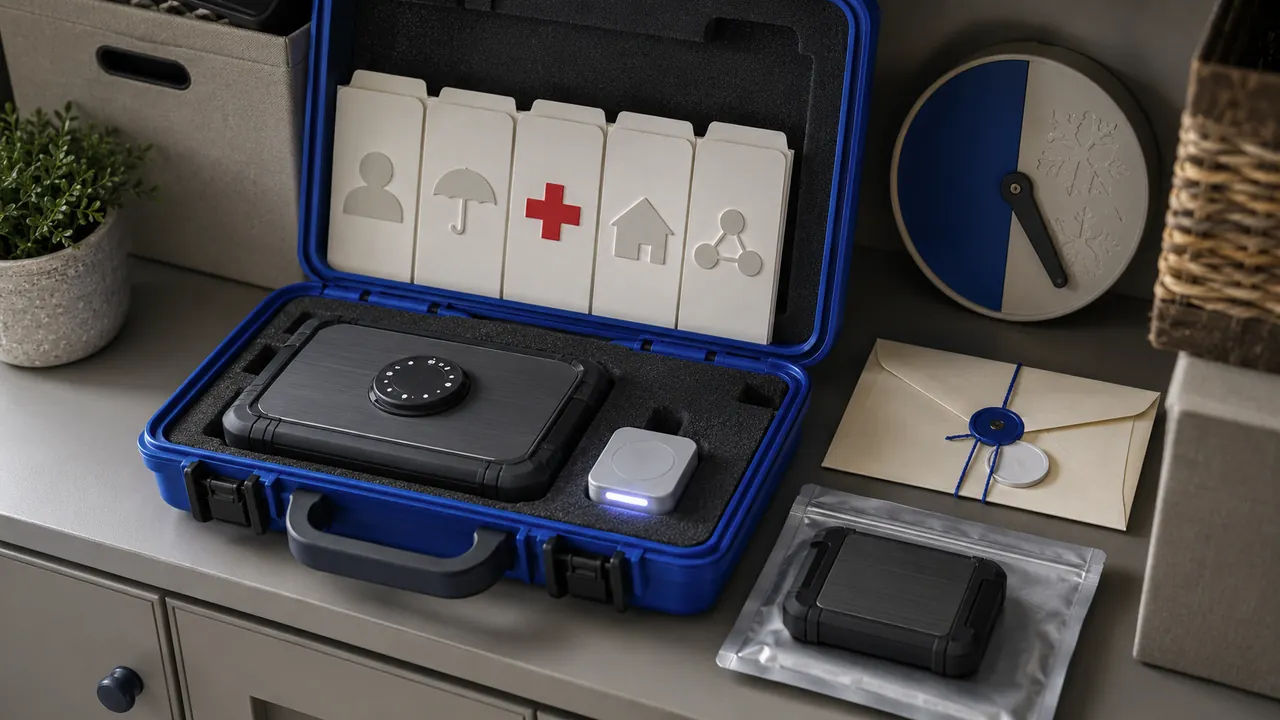
Store essential records, contacts and recovery instructions in an encrypted, backed-up package that a trusted person can use under pressure.

Recovery codes belong outside the account and outside the device they are meant to rescue.

Prepare an official recovery path, backup factors and post-recovery checklist for important accounts.