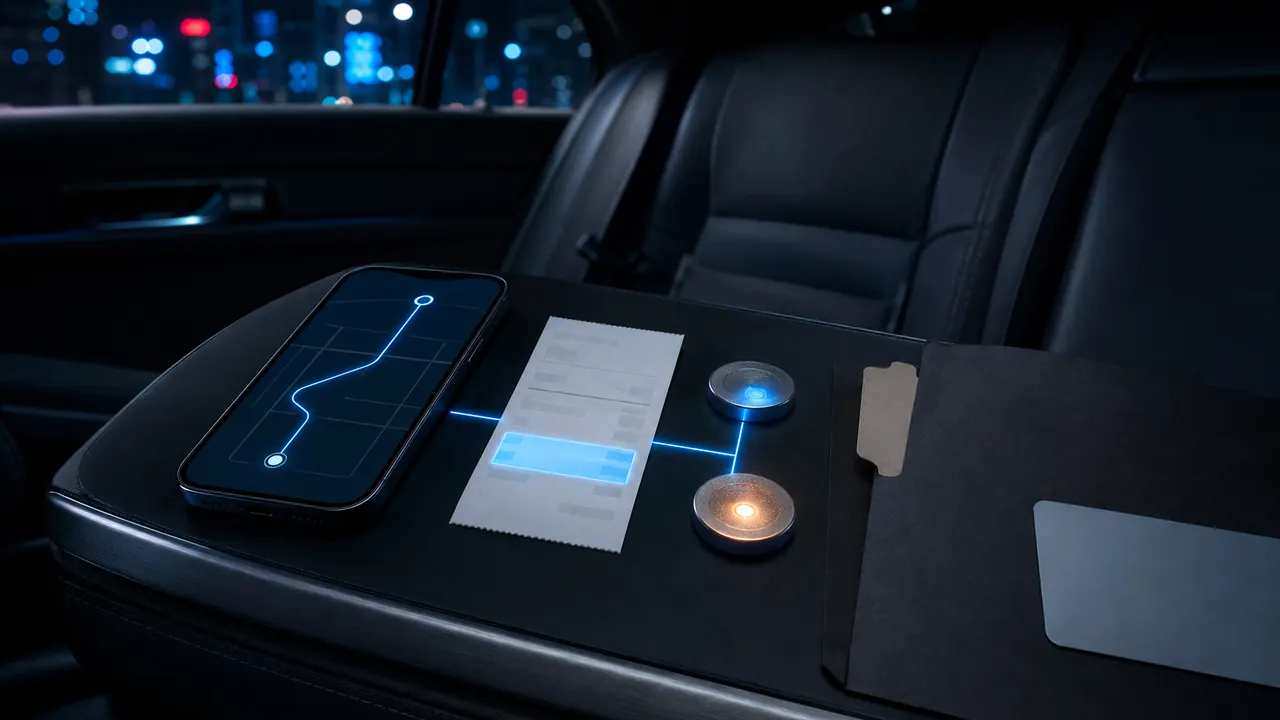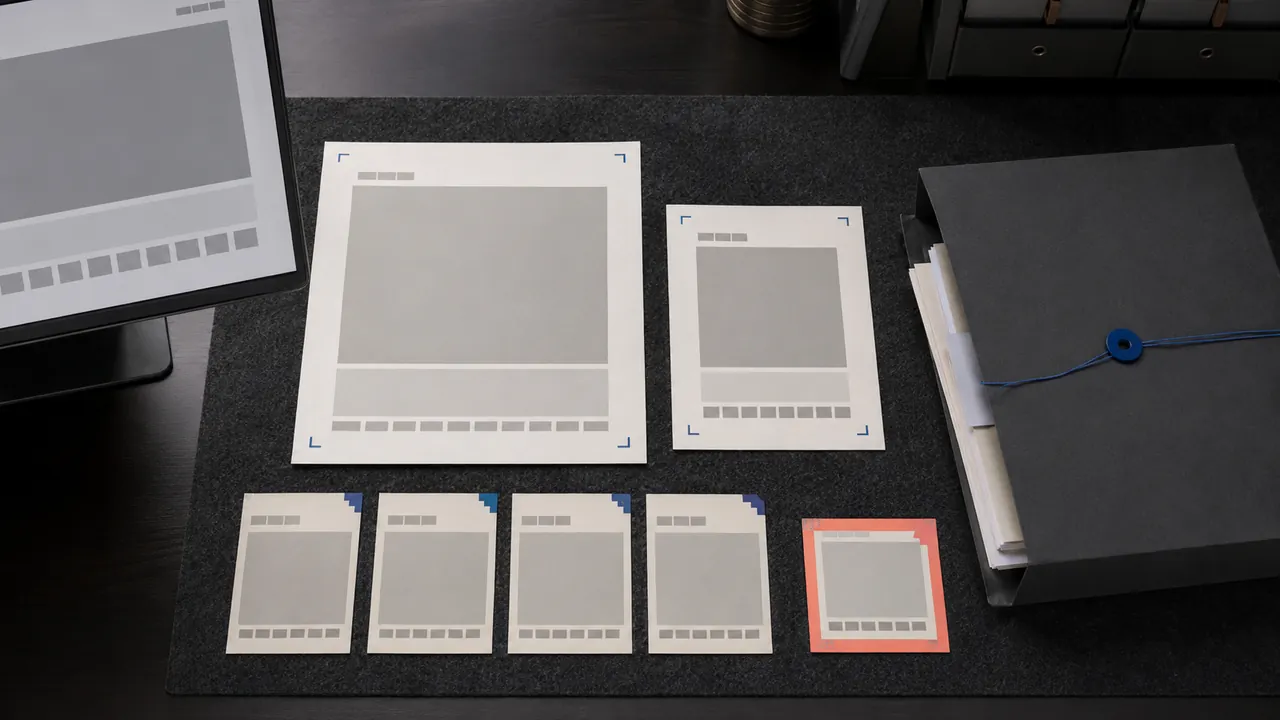
A useful evidence screenshot shows what happened, where it happened and how it connects to the account or transaction—without exposing passwords, full card numbers or unrelated private messages. Capture the complete screen first, preserve the original file, then make a redacted copy for sharing.
Show enough context
A crop of one sentence can be ambiguous. Include the service or app identity, page title, relevant date, order or case identifier, amount and status when those details are material. Capture the address bar for a web policy or suspicious site, but inspect the URL for tokens or personal information. For a conversation, include enough preceding messages to establish what the reply answers.
Take an overview and detail rather than one overloaded image. For a damaged order, pair screenshots of the listing and order with original photographs of the item and packaging. For a cancellation, capture the policy, action confirmation and later charge. Evidence is a sequence, not a decorative collage.
Preserve time accurately
Keep the device clock visible when useful, but do not rely on it alone. File metadata, email headers, transaction records and platform timestamps can provide independent context. Name files with an ISO-style date, time and subject, such as 2026-07-11_ride-cancellation_confirmation.png. Avoid changing the device clock to manufacture a date.
Keep originals and edits separate
Store untouched originals in a read-only or backed-up folder. If you add arrows, highlights or redactions, save a copy with edited in the filename. Cropping and annotation can help a reviewer, but preserving the source makes it possible to answer questions about omitted context. Do not use an opaque brush that can be removed; flatten redactions into the shared copy and test the exported file.
Protect sensitive information
Remove passwords, recovery codes, full account numbers, home addresses and unrelated people's details before sending. Leave the last few digits or partial identifier only when needed to connect the record. Check notifications and browser tabs around the target. A screen recording can expose messages that arrive during capture, so use Do Not Disturb and review the entire file before sharing.
Capture changing pages
Policies, prices and status pages can change. Save the page as PDF in addition to a screenshot when possible, and record the URL and access date. For a long page, browser print-to-PDF can preserve more context than stitched screenshots, though dynamic elements may not render. The Internet Archive may provide historical context for public pages, but a missing archive is not proof a page never existed.
Organize the case
Create one folder with a brief chronology, originals, redacted sharing copies, receipts, messages and case numbers. A text file should explain each item's relevance. Back up the folder independently. The CFPB recommends keeping copies of records used in billing disputes, while FTC identity-theft guidance emphasizes documenting contacts and actions.
Know the limit
A screenshot demonstrates what appeared on a screen; it does not by itself prove who created the content, whether the interface was authentic or what happened off-screen. For high-stakes legal, employment or safety matters, preserve the device and original records and seek qualified guidance before altering anything.
Fast capture checklist
- Overview with service, page and relevant identifier.
- Detail of the exact error, charge or promise.
- URL, date and time where material.
- Untouched original saved.
- Separate, flattened redacted copy.
- Short chronology connecting the files.
- Independent backup.
The strongest screenshot package is easy for a stranger to understand and safe for you to share.
Sources & methodology4 sources - evidence for this revision
The records below show what each source supports in this published revision.
- Disputing a credit card billing errorConsumer Financial Protection Bureaureference - Retrieved Jul 12, 2026
What it supportsBilling-dispute records should be copied and preserved.
- IdentityTheft.gov recovery stepsFederal Trade Commissionreference - Retrieved Jul 12, 2026
What it supportsIdentity-theft recovery guidance recommends documenting contacts and steps taken.
- Use Snipping Tool to capture screenshotsMicrosoft Supportreference - Retrieved Jul 12, 2026
What it supportsScreenshots can be captured with built-in Windows and Apple tools while preserving the original file.
- Take a screenshot on your MacApple Supportreference - Retrieved Jul 12, 2026
What it supportsScreenshots can be captured with built-in Windows and Apple tools while preserving the original file.